Contrib - Moodle SQL Queries

By EssingtonITS team ·

The article provides SQL queries for Moodle, including exporting data to CSV, listing courses using the Turnitintwo module, and converting usernames and emails to lowercase. It offers practical examples for managing Moodle databases.

Sending output to CSV

You can send your results to csv format by adding the following line after the SELECT statement.

INTO OUTFILE '/var/lib/mysql-files/output.csv'
FIELDS TERMINATED BY ',' ESCAPED BY '"'
ENCLOSED BY '"'
LINES TERMINATED BY '\r\n'
Example
SELECT id, firstname, lastname, email from customers
INTO OUTFILE '/tmp/output.csv'
FIELDS TERMINATED BY ',' ESCAPED BY '"'
ENCLOSED BY '"'
LINES TERMINATED BY '\r\n'
WHERE firstname='fred'

List all courses using Turnitintwo module

Replace <mydomain> with your domain fqdn

SQL

SELECT an.name, CONCAT('https://mydomain/course/view.php?id=',co.id) as url , co.shortname, "Turnitin" as type, from_unixtime(an.defaultdtdue) as duedate
FROM mdl_turnitintooltwo an join mdl_course co on an.course = co.id
ORDER BY duedate;

List all courses

  • Include the url to the course
  • By last access time

Replace <mydomain> with your domain fqdn

SQL

select y.*
from
(
select x.id, x.fullname, x.shortname, x.name as category, FROM_UNIXTIME(x.timeaccess) last_accessed_time, CONCAT('https://mydomain/course/view.php?id=',x.id) as course
from
(
select c.id, c.fullname, c.shortname, cc.name, max(a.timeaccess ) timeaccess
from mdl_course c
left join mdl_course_categories cc
on cc.id = c.category
left join mdl_user_lastaccess a
on c.id = a.courseid
group by c.id, c.fullname, c.shortname, cc.name
) x
) y
order by last_accessed_time asc;

Lowercase Username and Email

Change all usernames and email addresses to lowercase

SQL

UPDATE mdl_user SET username = LOWER(username);
UPDATE mdl_user SET email = LOWER(email);

Looking to optimise your Learning Management System? EssingtonITS offers tailored solutions to enhance your e-learning environment. Visit EssingtonITS.co.uk for expert IT services, or explore our dedicated hosting and support for Moodle at myelms.co.uk. Let us help you create a seamless and efficient learning experience.

person people found this useful.

Related

Knowledge base 10 Jun 2026

Personal Notebook in eLLM

The personal notebook in eLLM allows users to organise and store notes, images, and files in a private, searchable timeline. It ensures privacy by keeping contents visible only to the user, and it can be integrated with the assistant for personalised answers.

Knowledge base 9 Jun 2026

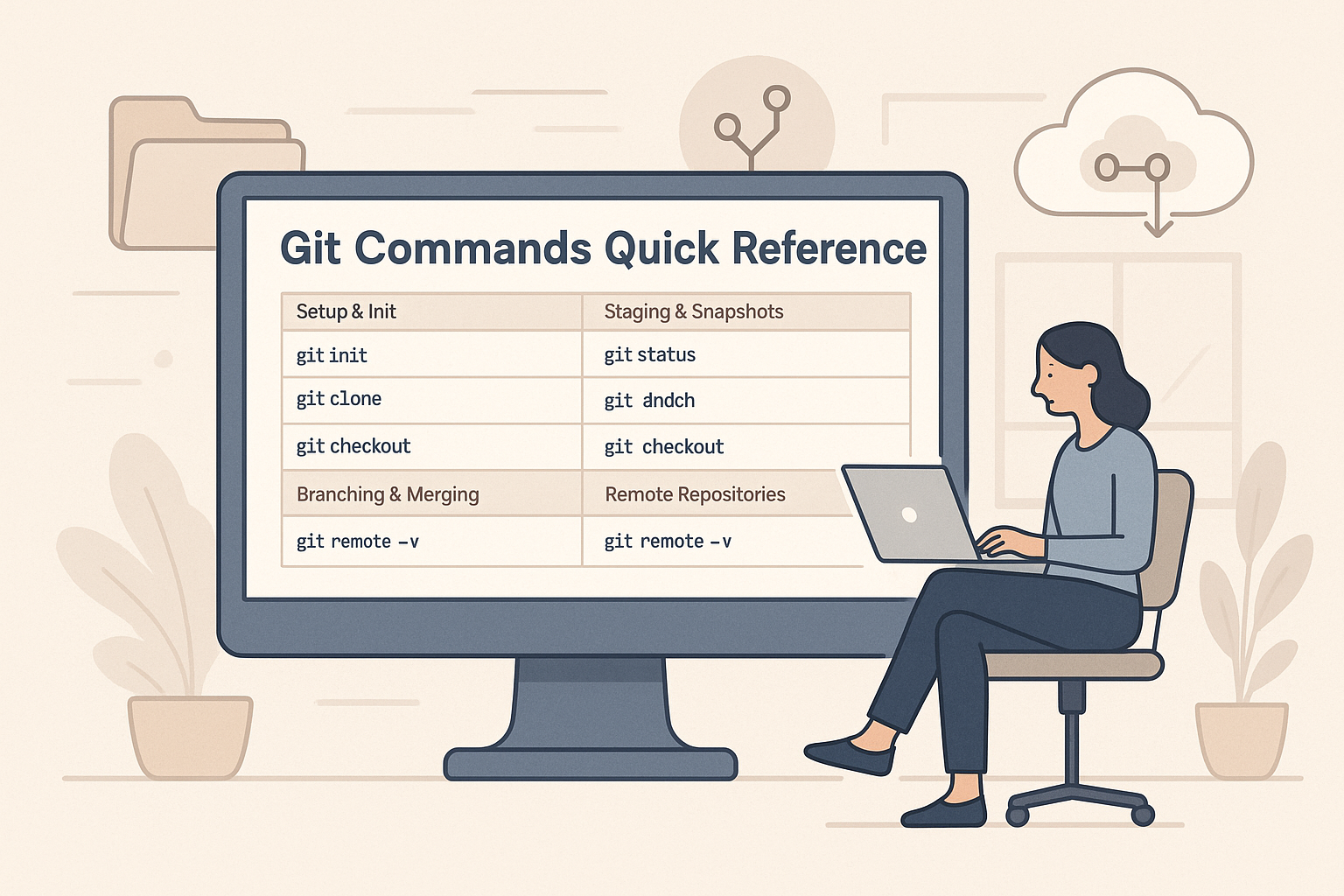
Git Commands Quick Reference Guide

This quick reference guide covers essential Git commands for repository setup, staging, branching, merging, and working with remote repositories, making it a handy tool for developers to streamline their workflow.

Knowledge base 9 Jun 2026

Organisation Skills in the eLLM Admin Console

The article explains how the eLLM Admin Console allows organisations to create and manage shared instruction sets called "organisation skills" to ensure consistent responses across teams. These skills can be customised, restricted to specific groups, and integrated with extern…

Expand 29 Jul 2026

How AI can support pupils with SEND

Explore how AI tools are aiding pupils with special educational needs and disabilities by simplifying text, breaking down tasks, and enhancing accessibility. Learn about the considerations schools should make before implementation.

Expand 29 Jul 2026

AI policy and practice in further education

Further education colleges need distinct AI policies due to their unique mix of vocational courses, diverse age groups, and specific funding and inspection requirements. This guidance highlights the importance of tailored AI approaches in FE settings.