How do I setup my mailbox in Outlook?

By EssingtonITS team ·
We make use of 'autodiscover' technology, so that in the majority of cases, Microsoft Outlook can set up your account for you with only an email address and a password. Automatic Setup
  • In Outlook, choose the File tab
  • Under 'Account Information', choose Add Account
  • On the Auto Account Setup page, enter your name, email address, and password, and then choose Next
  • Choose Finish
Manual Setup If automatic setup failed, you can choose Manual setup or additional server types to enter your settings manually. Use these settings: Account type: IMAP Incoming mail server: imap.stackmail.com Outgoing mail server: smtp.stackmail.com Incoming server port (IMAP): 993 Use the following type of encrypted connection: SSL Outgoing server port (SMTP): 587 Use the following type of encrypted connection: TLS When setting up your account, please choose More Settings > Outgoing Server and check the box for 'My outgoing server (SMTP) requires authentication'. If you experience any problems with the connection or receive a certificate warning, please disable SSL/TLS encryption and change the incoming server port to 143. You can also set up the account using POP3, however this is not recommend in general as emails will be downloaded to the mail client you connect to the mail server. Account type: POP3 Incoming mail server: pop3.stackmail.com Outgoing mail server: smtp.stackmail.com Incoming server port (POP3): 995 Use the following type of encrypted connection: SSL Outgoing server port (SMTP): 587 Use the following type of encrypted connection: TLS

person people found this useful.

Related

Knowledge base 10 Jun 2026

Personal Notebook in eLLM

The personal notebook in eLLM allows users to organise and store notes, images, and files in a private, searchable timeline. It ensures privacy by keeping contents visible only to the user, and it can be integrated with the assistant for personalised answers.

Knowledge base 9 Jun 2026

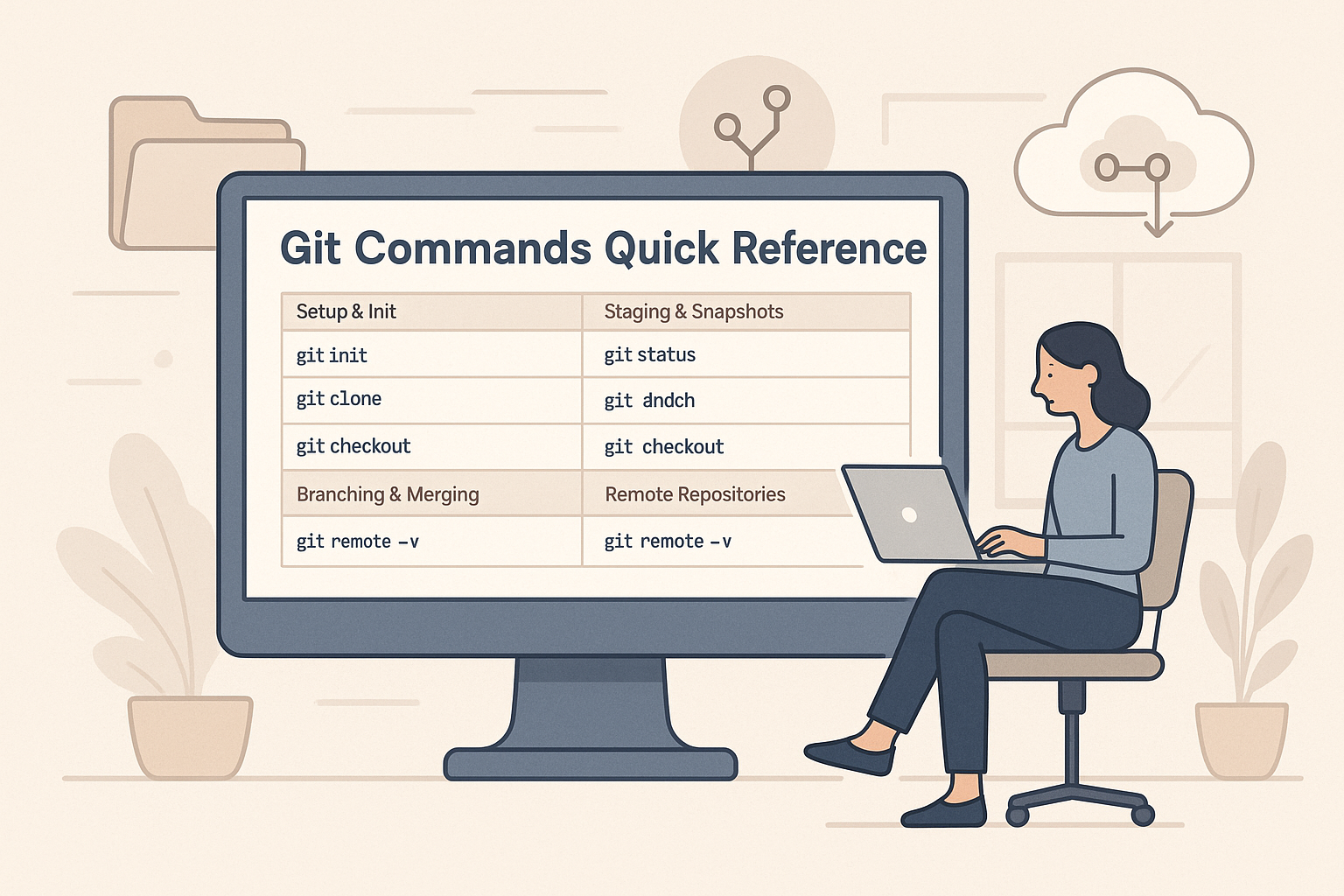
Git Commands Quick Reference Guide

This quick reference guide covers essential Git commands for repository setup, staging, branching, merging, and working with remote repositories, making it a handy tool for developers to streamline their workflow.

Knowledge base 9 Jun 2026

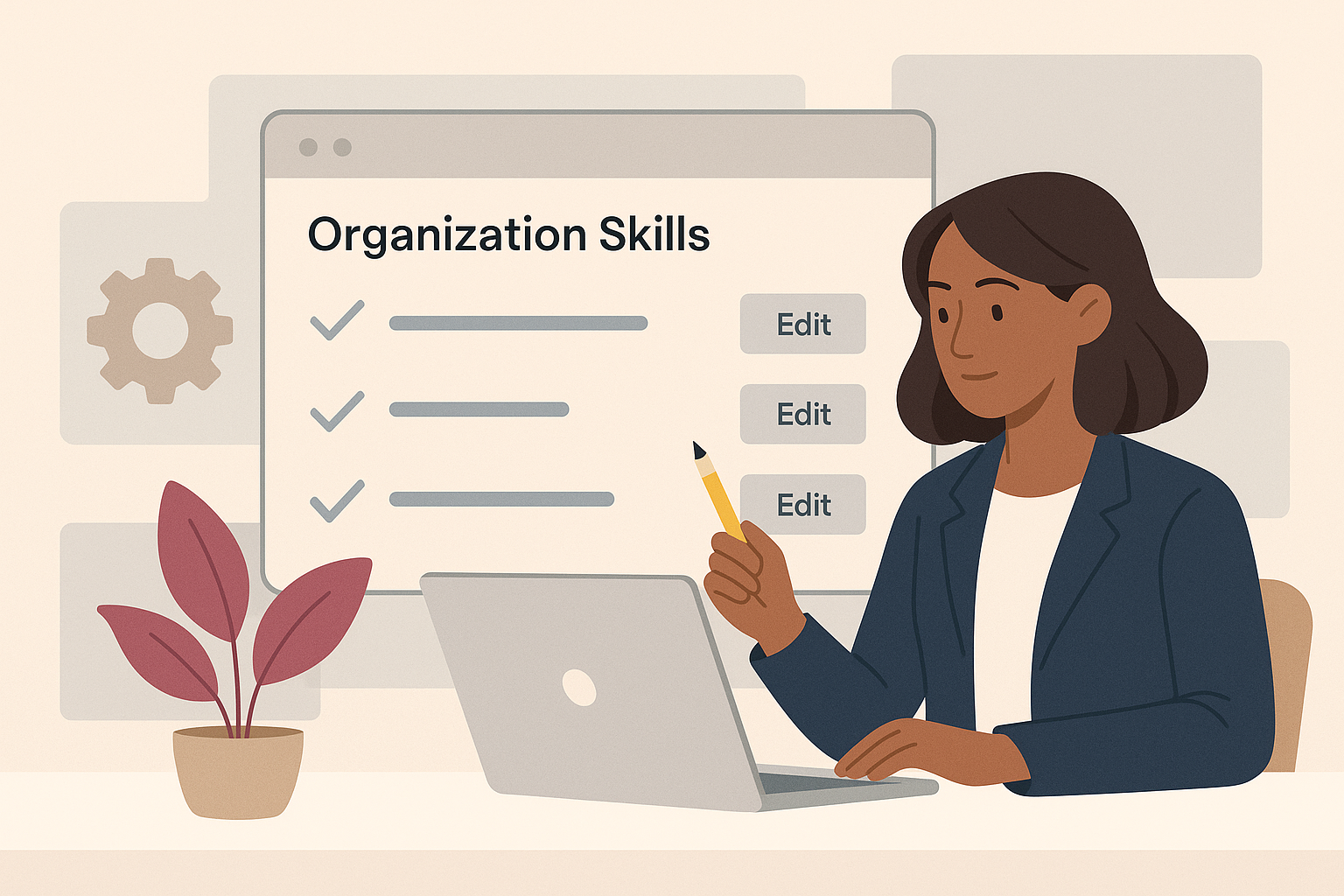
Organisation Skills in the eLLM Admin Console

The article explains how the eLLM Admin Console allows organisations to create and manage shared instruction sets called "organisation skills" to ensure consistent responses across teams. These skills can be customised, restricted to specific groups, and integrated with extern…

Expand 29 Jul 2026

How AI can support pupils with SEND

Explore how AI tools are aiding pupils with special educational needs and disabilities by simplifying text, breaking down tasks, and enhancing accessibility. Learn about the considerations schools should make before implementation.

Expand 29 Jul 2026

AI policy and practice in further education

Further education colleges need distinct AI policies due to their unique mix of vocational courses, diverse age groups, and specific funding and inspection requirements. This guidance highlights the importance of tailored AI approaches in FE settings.