Getting Straight Answers with AI Instead of Hunting Through Policies
The article discusses how AI tools like eLLM can streamline finding answers within an organisation by searching accessible documents and providing direct answers with citations, saving time and reducing confusion from outdated documents.
The problem: the answer exists, but nobody can find it
Most organisations already have the answer to a given question written down somewhere. It's in a policy document, a procedure guide, a handbook, or a shared drive folder from three reorganisations ago. The information exists, but finding it means knowing which document to open, searching through it, and hoping it hasn't been superseded by a newer version sitting in a different folder.
Multiply that by every staff member who has a question during their working day, and a surprising amount of time goes into document archaeology rather than the task at hand.
Why a better search bar isn't the fix
Search tools help you find documents. They don't answer the question inside them. Someone still has to open the result, read through it, and work out whether it actually addresses what they were asking, which is often most of the effort in the first place. What's needed is something that reads the document on your behalf and gives you the answer directly, while still showing where it came from.
How eLLM addresses this
Chat searches through your accessible documents.
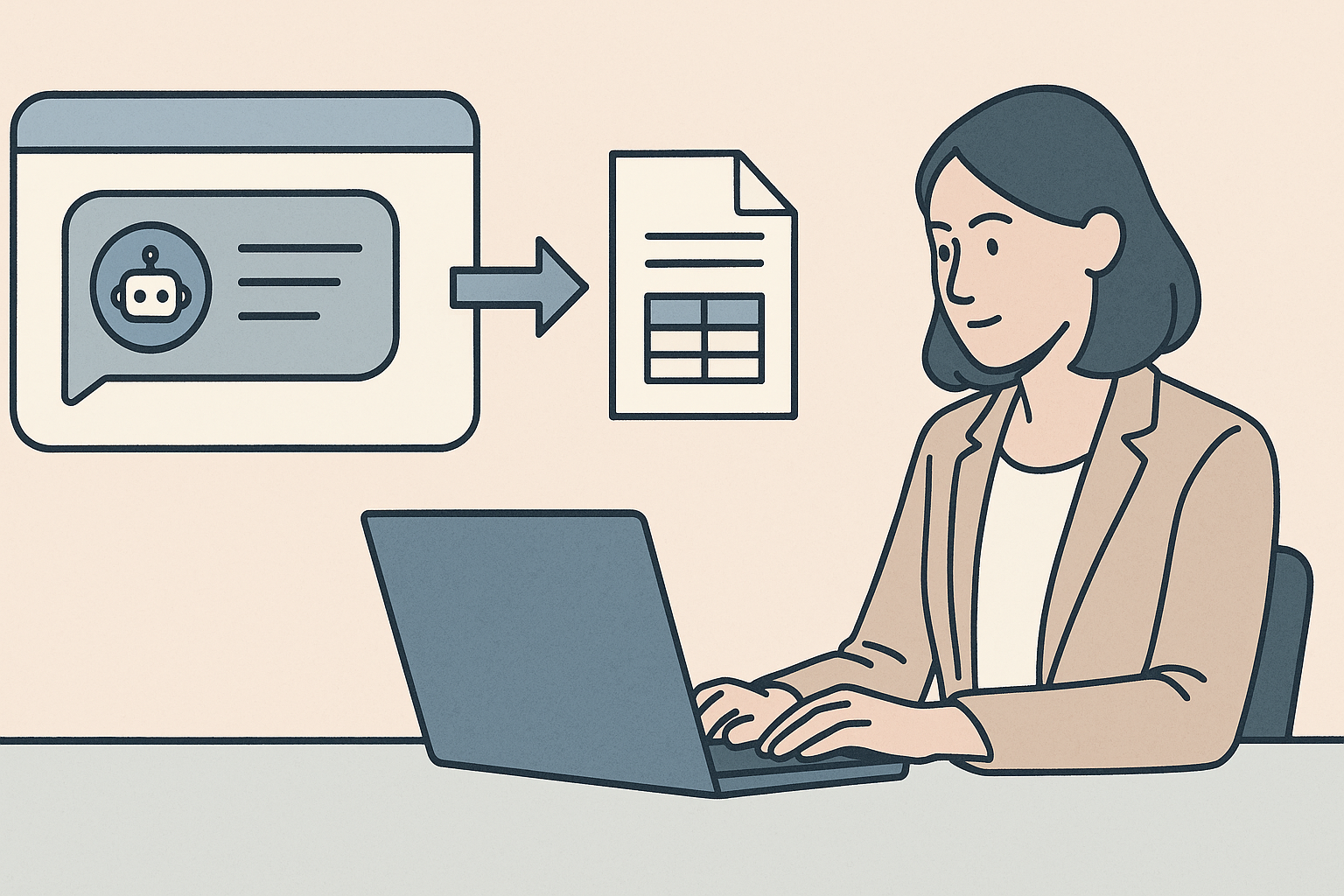
eLLM's chat tool searches the documents a user has access to and gives an answer grounded in what those documents actually say, rather than a general response disconnected from your organisation's own material.
Answers come with citations.
Rather than asking you to trust the response, eLLM shows where the answer came from, so you can check the source document yourself if the question matters enough to verify.
Document management keeps the library organised.
Behind the chat sits a document library with drag and drop uploads, access tags controlling who can see what, and smart versioning that avoids duplicate or outdated copies confusing the answers given.
Skills and memory personalise the experience.
Users can adjust settings like response language and personal memory, and attach their own documents or images, so the assistant fits how they actually work rather than a generic setup.
The outcome
Staff get a direct answer to their question, sourced from the organisation's own documents, instead of having to track down and read through the source material themselves. IT gets a document library that stays organised, with access controlled properly and old versions no longer causing confusion.
Learn more
The eLLM Knowledge Base covers how the chat tool searches and cites documents, and how the document library's upload, access tags, and versioning work.
person people found this useful.