
Paul Flanders
Expand articles

How AI can support pupils with SEND
Explore how AI tools are aiding pupils with special educational needs and disabilities by simplifying text, breaking down tasks, and enhancing accessibility. Learn about the considerations schools should make before implementation.

AI policy and practice in further education
Further education colleges need distinct AI policies due to their unique mix of vocational courses, diverse age groups, and specific funding and inspection requirements. This guidance highlights the importance of tailored AI approaches in FE settings.
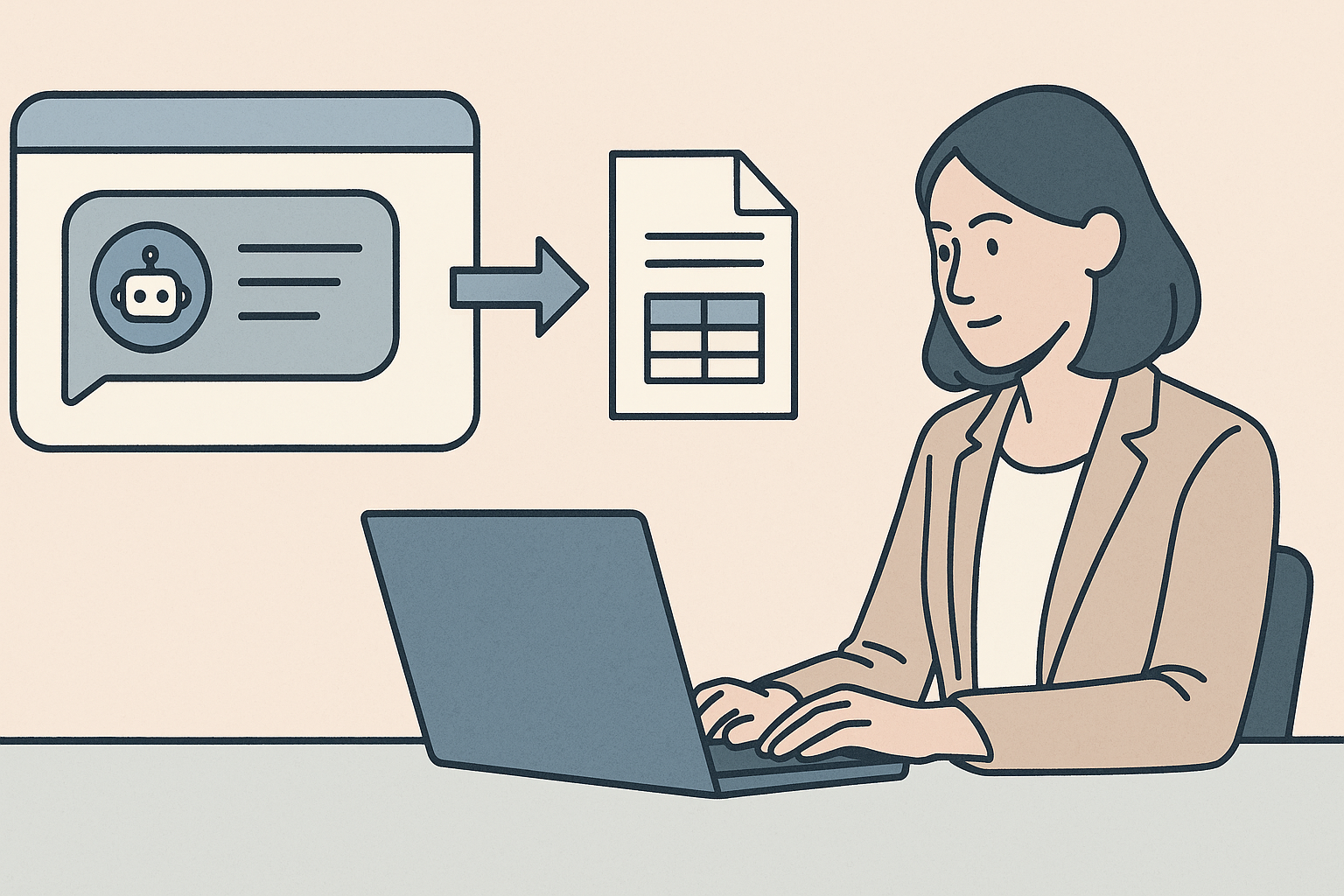
Turning AI Answers Into Shareable Documents
eLLM solves the issue of AI-generated answers being stuck in chat windows by allowing users to export them as structured documents like PDFs or Word files. This feature maintains formatting and structure, making sharing and filing seamless.

Getting Straight Answers with AI Instead of Hunting Through Policies
The article discusses how AI tools like eLLM can streamline finding answers within an organisation by searching accessible documents and providing direct answers with citations, saving time and reducing confusion from outdated documents.

Stopping the Shadow AI Problem
The article discusses the risks of "shadow AI," where staff use public AI tools without IT oversight, potentially compromising sensitive data. It suggests using local AI models like eLLM to keep data secure while still providing AI assistance.

AI Safeguarding and Oversight Without Slowing People Down
The article discusses the balance between AI safeguarding and usability, highlighting the need for oversight without excessive restrictions. It introduces eLLM, a system offering configurable query governance and reporting tools to ensure responsible AI use.

Keeping AI Spend Predictable
Organisations often face unexpected AI costs due to unplanned usage across departments. The eLLM system helps manage these expenses by routing queries to local models for everyday tasks, while reserving cloud models for more complex needs.
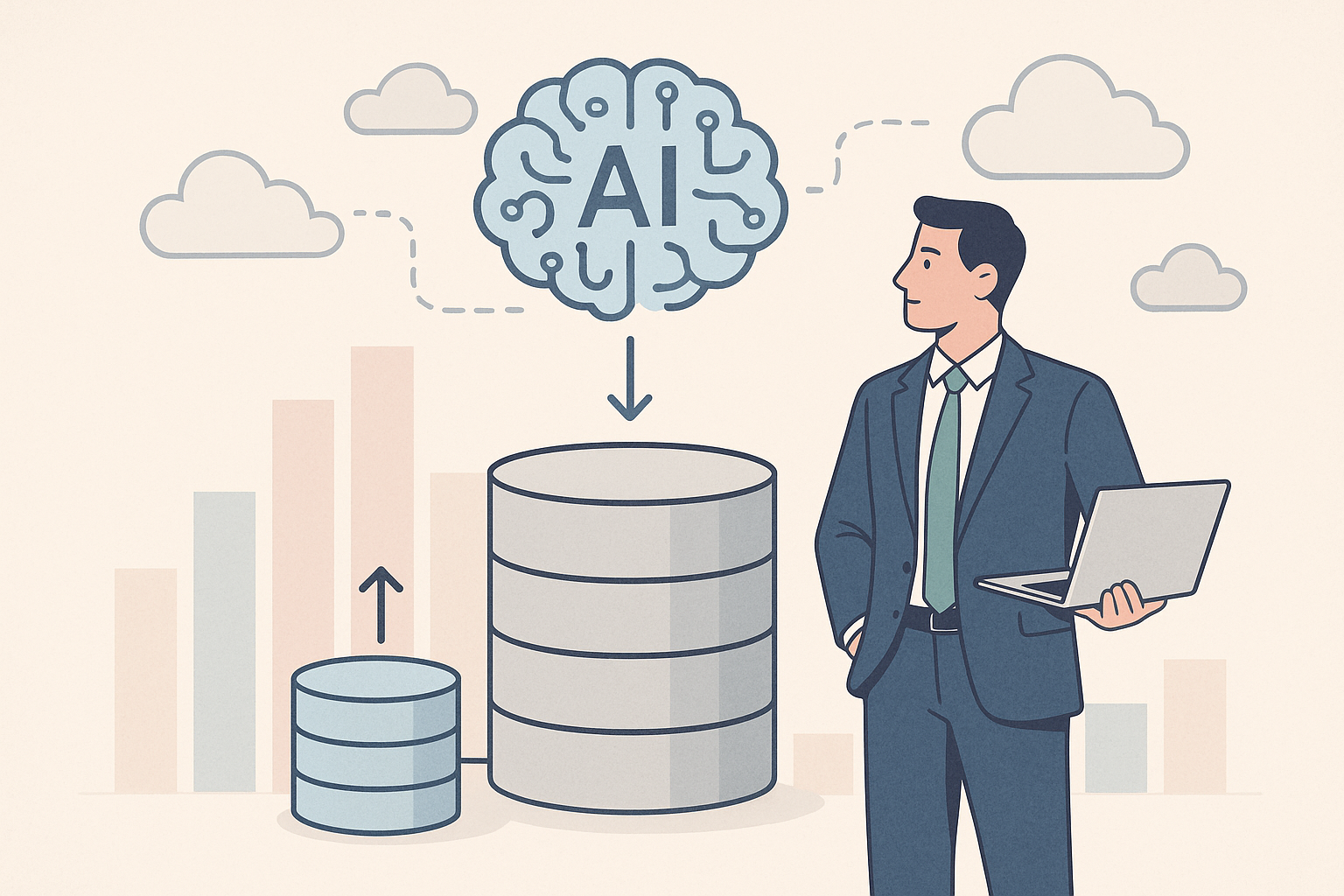
Growing Into AI Without a Rebuild
The article discusses how eLLM enables AI systems to scale incrementally without needing a complete rebuild, using local and cloud resources efficiently. It highlights the benefits of starting small and expanding capacity as demand grows.

Connecting Your Existing Tools to AI Safely
Learn how to safely connect AI assistants to existing tools with eLLM's Model Context Protocol, ensuring IT oversight, approval processes, and audit trails for sensitive actions. Discover more in the eLLM Knowledge Base.

Coding Assistance Without the Code Leaving the Building
The article discusses the challenges of using AI coding assistants in organisations, highlighting concerns about code security and offering a solution with eLLM's code API to keep code within the organisation's infrastructure.

An Assistant That Remembers How You Work
The eLLM assistant retains details about your role and preferences, eliminating the need to repeat information in every session. It offers a personal notebook for organising notes, ensuring a personalised and efficient user experience.

You're probably overpaying for AI and here's why
Many businesses overpay for AI by using a single provider for all queries, regardless of complexity. eLLM optimises costs by routing questions to the most suitable model, keeping data secure and providing detailed usage insights.

AI that never leaves your infrastructure
eLLM offers AI solutions that run entirely within your own infrastructure, ensuring data sovereignty and compliance with a tamper-proof audit trail. It's designed for organisations needing local control over sensitive data and scalable operations.

How do you prove you're monitoring AI use in your school or college?
Schools and colleges are struggling to prove oversight of AI use, as current tools lack monitoring capabilities. eLLM offers a solution by screening AI queries locally, ensuring safeguarding and audit readiness without data-sharing risks.
Knowledge base articles

Personal Notebook in eLLM
The personal notebook in eLLM allows users to organise and store notes, images, and files in a private, searchable timeline. It ensures privacy by keeping contents visible only to the user, and it can be integrated with the assistant for personalised answers.
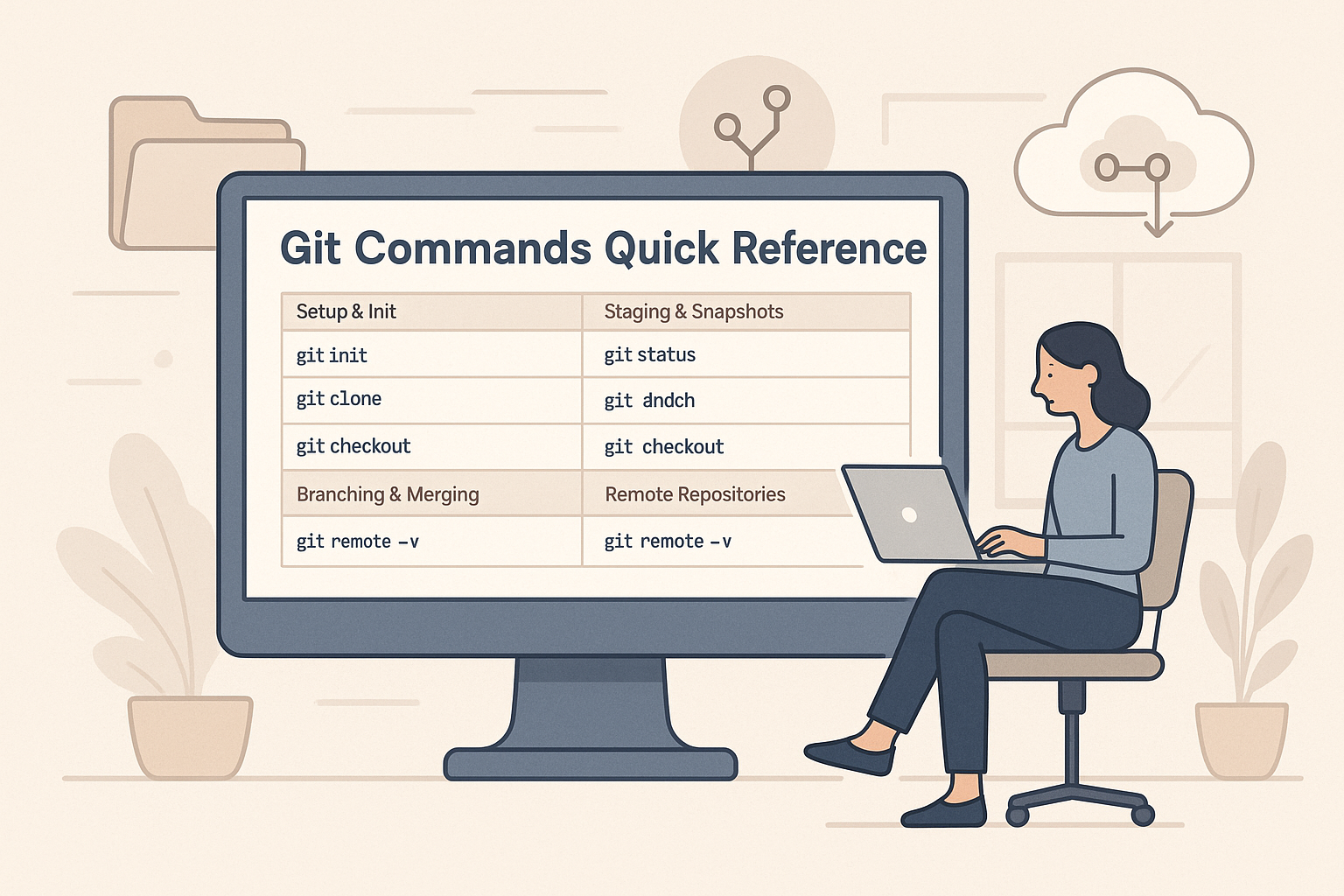
Git Commands Quick Reference Guide
This quick reference guide covers essential Git commands for repository setup, staging, branching, merging, and working with remote repositories, making it a handy tool for developers to streamline their workflow.
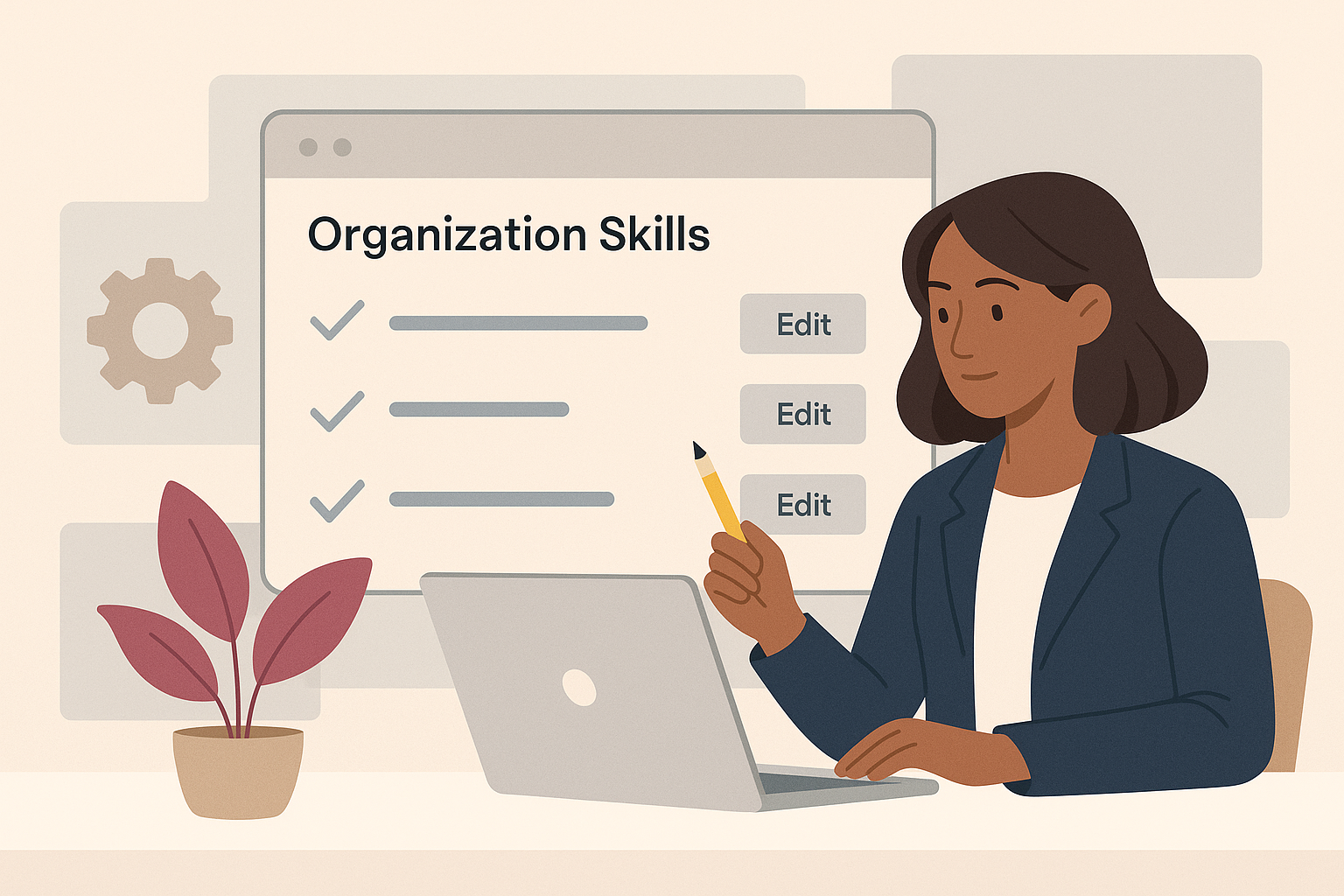
Organisation Skills in the eLLM Admin Console
The article explains how the eLLM Admin Console allows organisations to create and manage shared instruction sets called "organisation skills" to ensure consistent responses across teams. These skills can be customised, restricted to specific groups, and integrated with extern…

Tool Approvals in eLLM
The approvals page in eLLM allows administrators to review and approve or reject sensitive tool actions, ensuring human oversight. Tools set to auto-execute and personal user tools bypass this queue.

Coding with ELLM (the code API)
The eLLM code API offers developers control over coding assistants by centralising access, logging usage, and allowing local model use to keep code secure. It provides dedicated coding modes and special API keys for streamlined and secure operations.

Exporting Answers as Documents in eLLM
eLLM allows you to export answers as structured documents in PDF, Word, or Excel formats, with an Auto option to select the best fit. The process is secure, with files generated on your own servers and downloaded directly to your device.
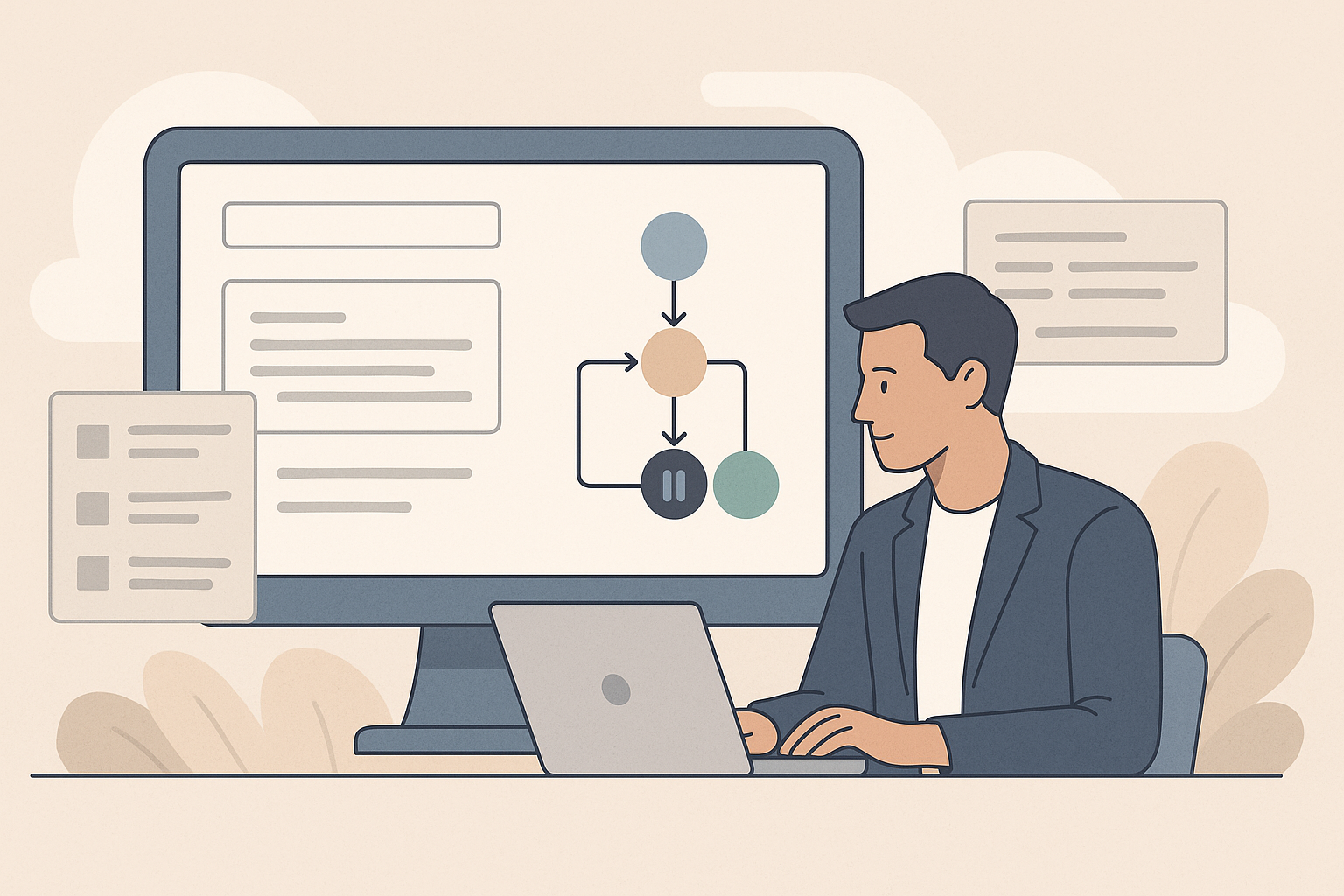
Workflows in eLLM
The article explains how workflows in eLLM help automate multi-step processes by creating named pipelines that can be reused. Administrators can define, run, and manage workflows, with steps pausing for approval when necessary.

Managing Documents in eLLM
The article explains how eLLM manages a document library, allowing users to upload, organise, and control access to company knowledge. Features include drag-and-drop uploads, access tags, age-out dates, and smart versioning to avoid duplicates.
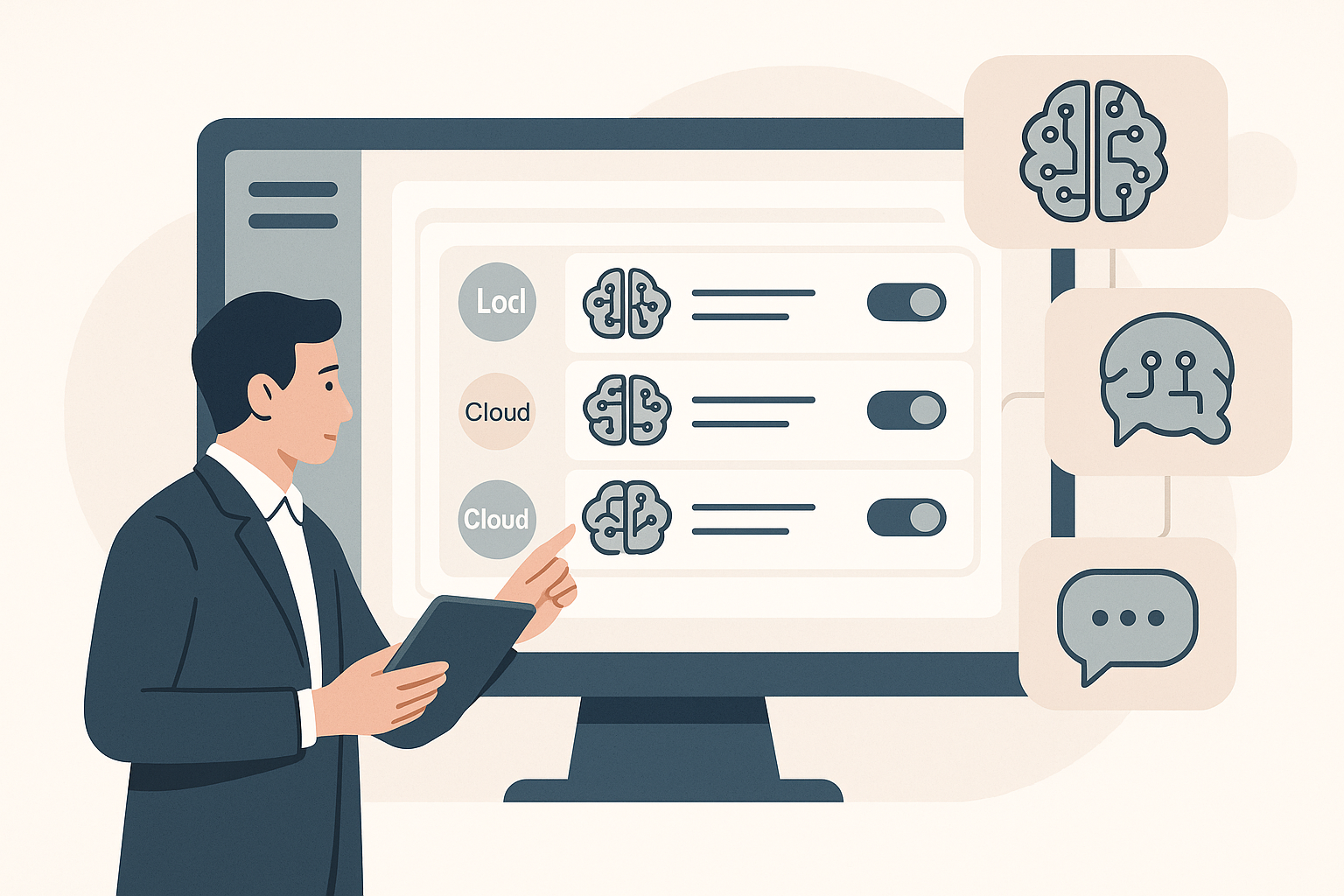
Managing Models in the eLLM Admin Console
The eLLM Admin Console allows administrators to manage AI models by registering, editing, and controlling their usage and costs. It supports both local and cloud models, enabling flexible management without requiring a system restart.
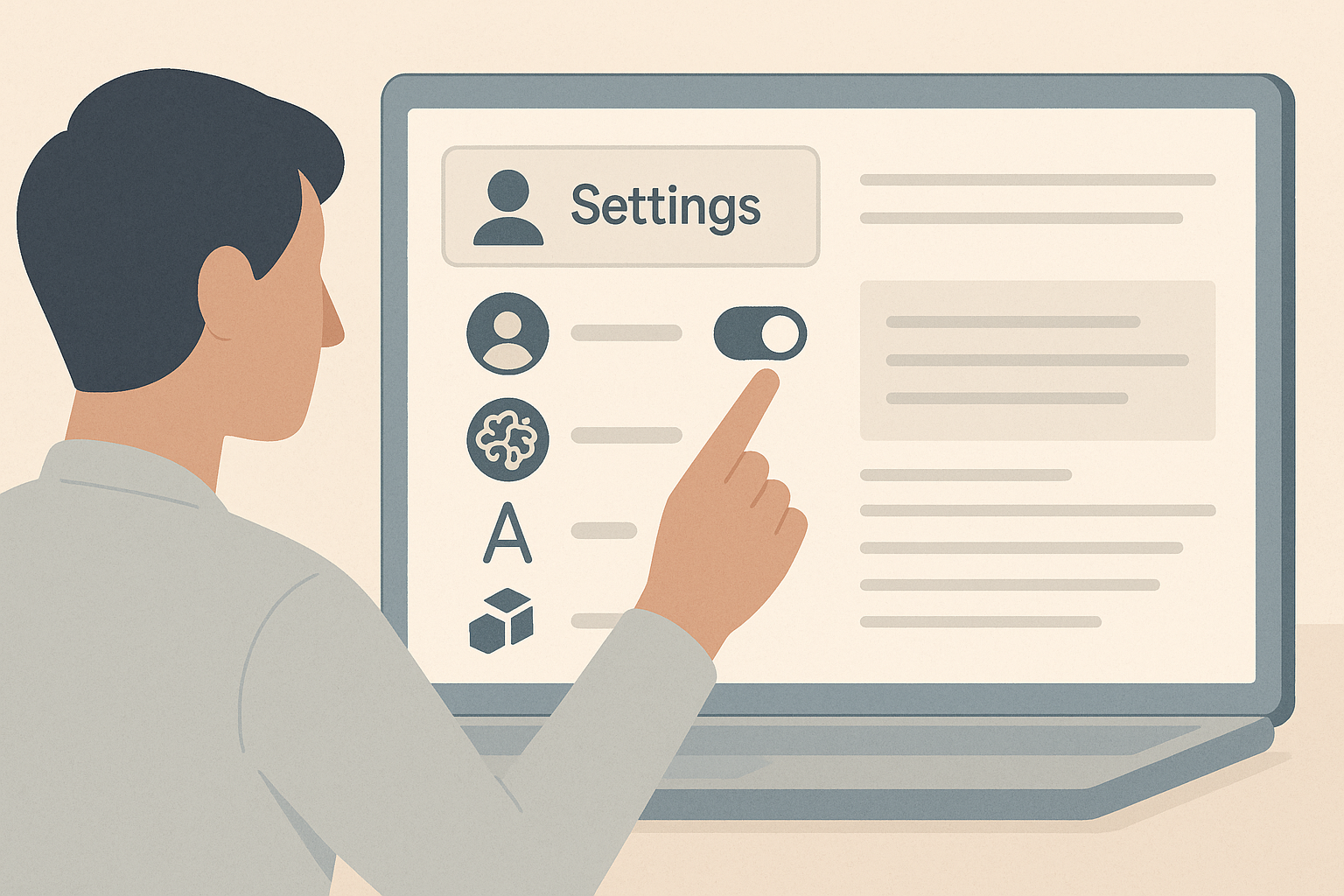
Your eLLM settings
The article explains how to customise eLLM settings to suit personal and organisational needs, including managing memory, setting response language, and connecting personal tools. It highlights permission requirements for certain features.
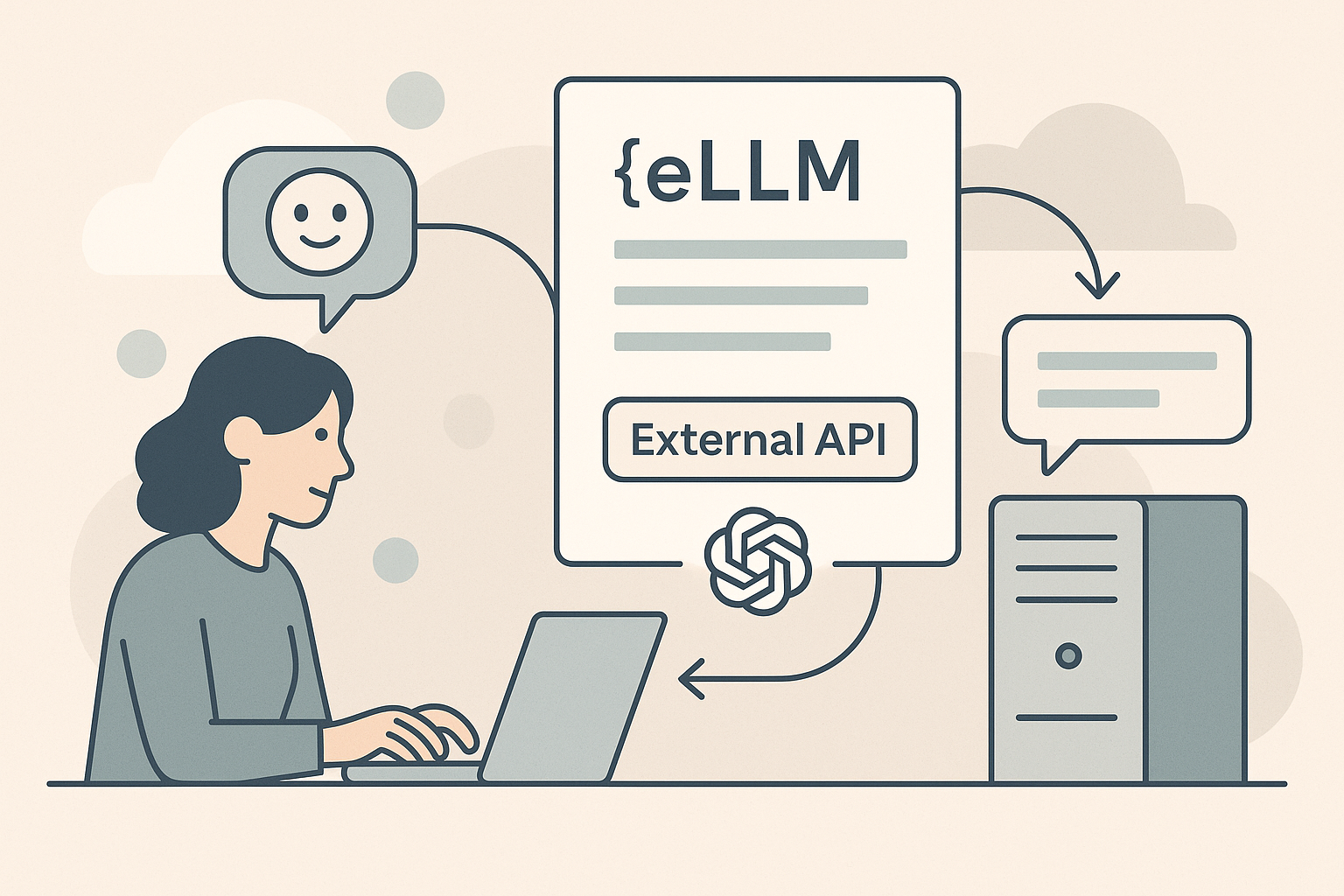
The eLLM external API
The eLLM external API allows systems to interact with ELLM using an OpenAI-compatible interface, providing options for document-grounded answers, plain chat, and automatic model selection. It supports authentication, streaming, and tool integration.
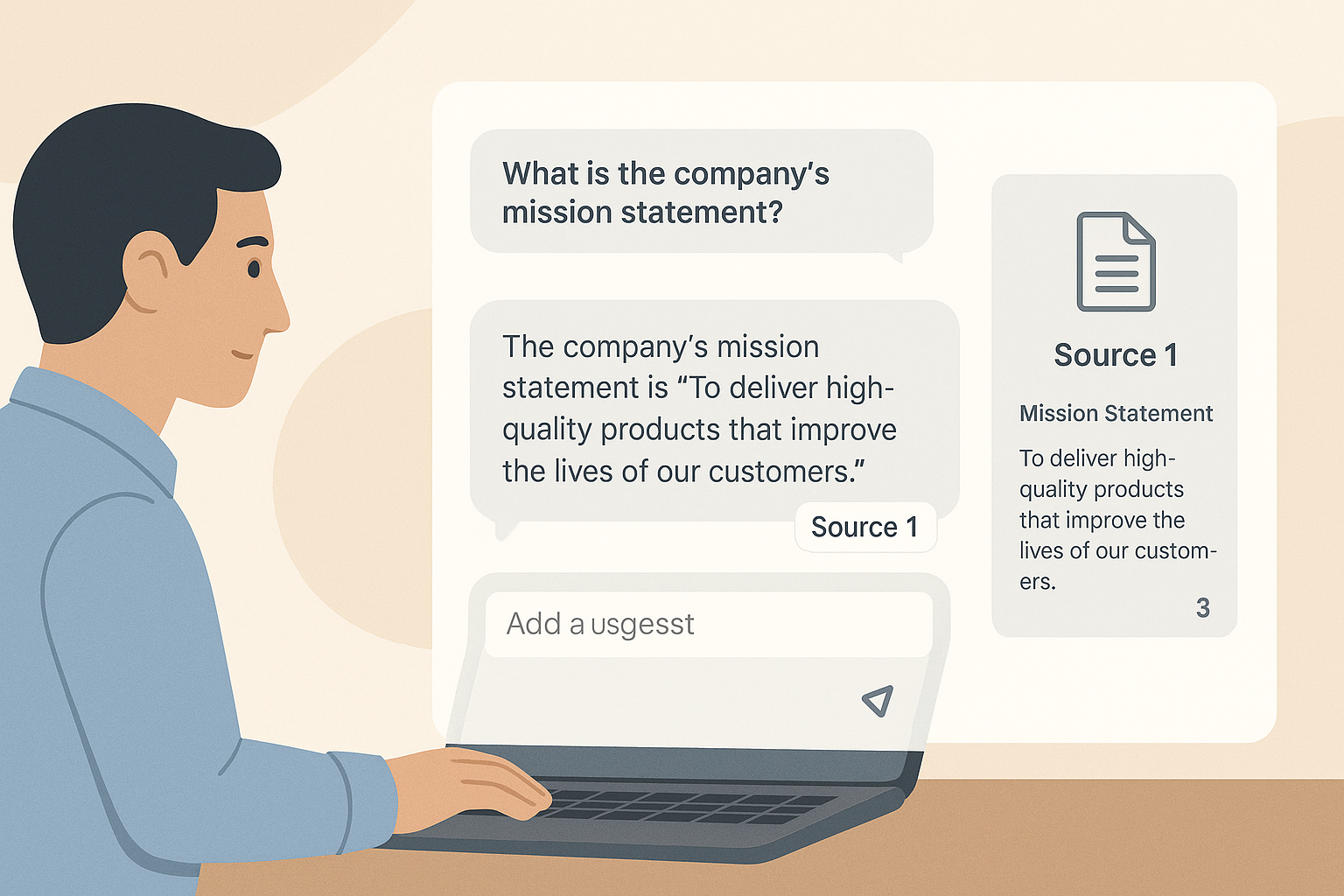
Using the eLLM chat
The eLLM chat tool provides reliable answers by searching through accessible documents and offering responses with citations. Users can choose AI models, attach documents or images, and personalise interactions with skills and memory features.

Scaling eLLM
eLLM is built to grow with you. You can start on a single server and, as demand rises, add more AI capacity in several independent ways without rebuilding the system or moving your data. This article explains the ways eLLM scales: running several local models, reaching out to cloud models, letting eLLM pick the right model automatically, and turning ordinary desktops into a private pool of AI workers with Edge Mesh.
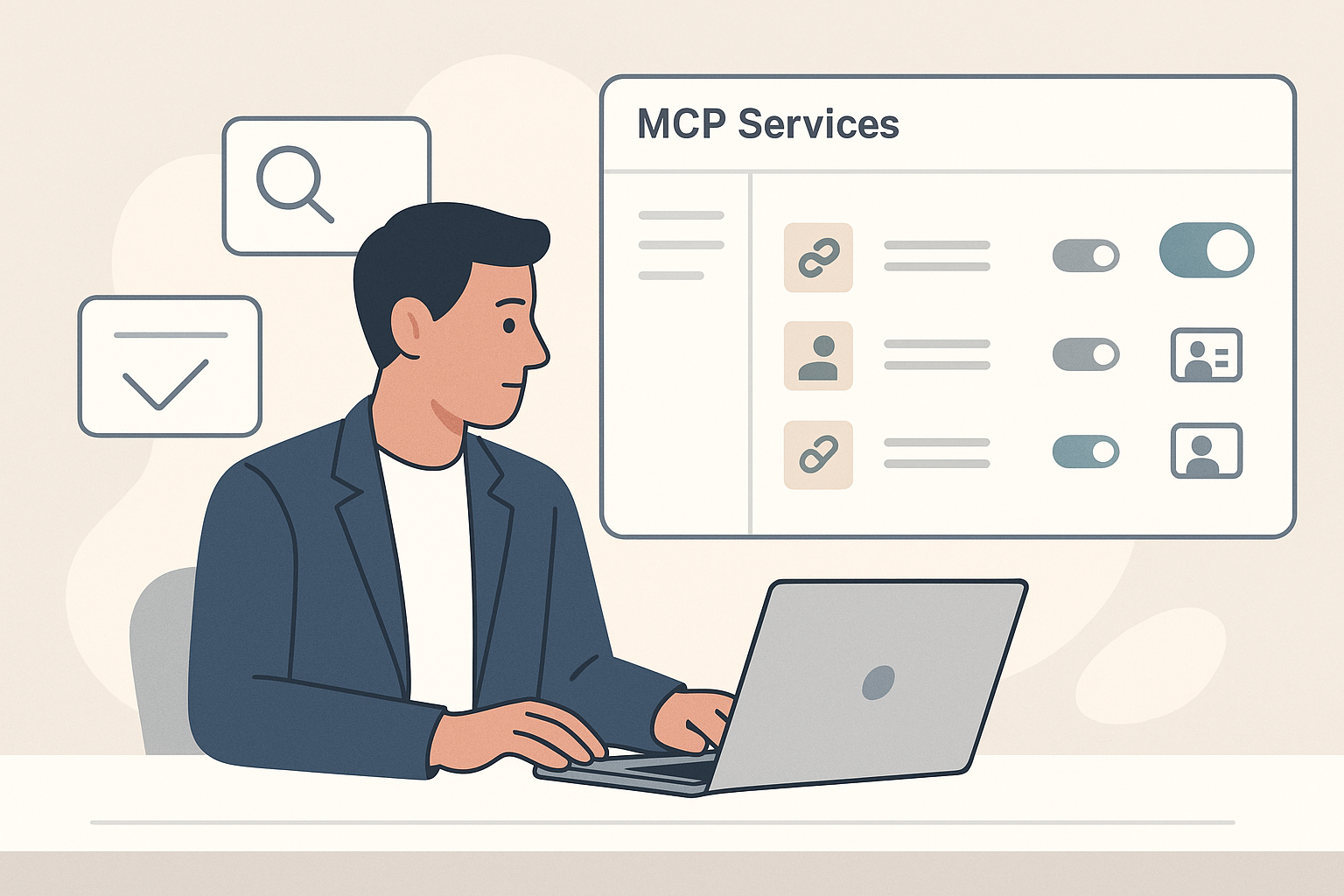
MCP Services in the eLLM Admin Console
The MCP services page in the eLLM Admin Console allows administrators to connect external tools, manage their use, and control execution approvals, enhancing the assistant's capabilities while maintaining oversight and security.

The eLLM Admin Console
The eLLM Admin Console is a central hub for administrators to manage models, permissions, access keys, settings, and tools, with features like reports and an audit log. It's exclusively for admin group members and changes take effect live.
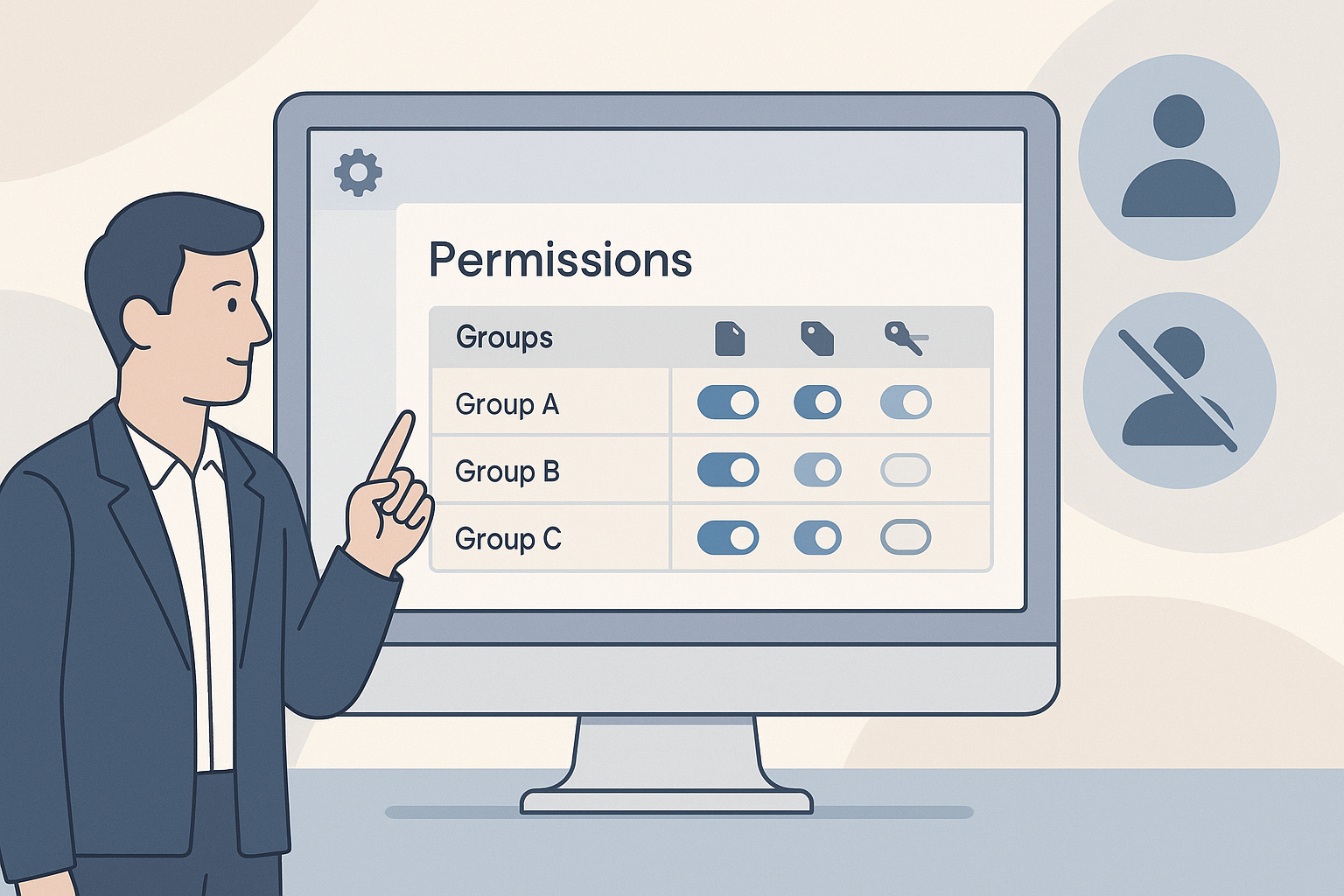
Permissions in the eLLM Admin Console
The article explains how administrators can manage user permissions in the eLLM Admin Console, detailing how to grant or revoke capabilities for groups. It covers features like document uploads, access tags, and personal tool connections.

Reports in the eLLM Admin Console
The article explains how the eLLM Admin Console's reports section provides insights into system usage, popular questions, and content gaps. It guides administrators on reading reports to enhance user support and document management.
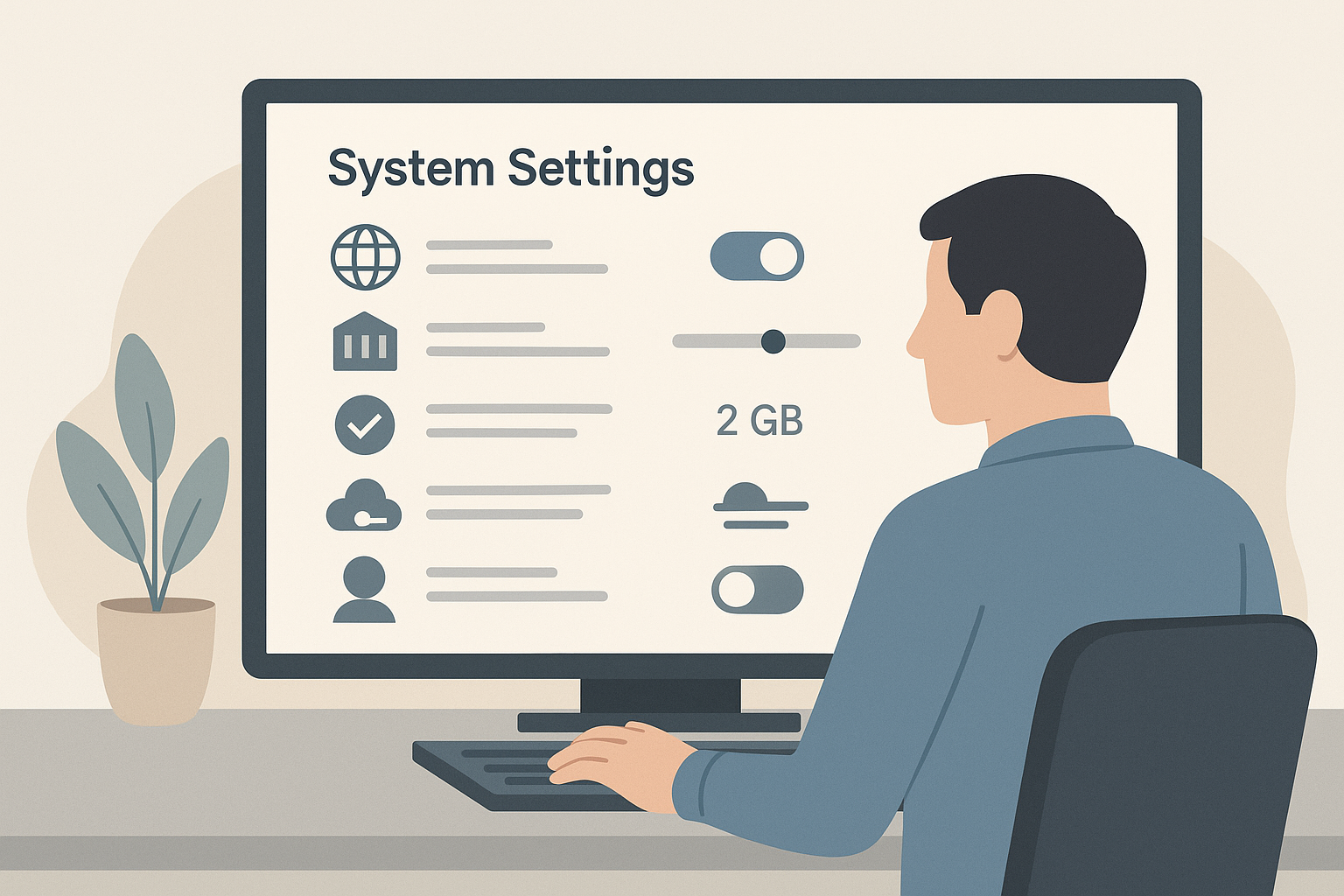
System Settings in the eLLM Admin Console
The article details the system settings available in the eLLM Admin Console, allowing administrators to control features like web search, document relevance, upload limits, and cloud usage. It highlights how these settings impact the entire organisation and can be adjusted wit…

Query Governance in eLLM
The article discusses query governance in eLLM, a system that monitors and controls questions asked to AI assistants, ensuring harmful content is flagged or blocked. It details configuration options, detection layers, and reporting features for administrators.

Automatic Model Routing in eLLM
ELLM can choose the best AI model for a question on your behalf. This is called automatic routing. This article explains what it does, when to use it, and how ELLM decides.