
eLLM

Personal Notebook in eLLM
The personal notebook in eLLM allows users to organise and store notes, images, and files in a private, searchable timeline. It ensures privacy by keeping contents visible only to the user, and it can be integrated with the assistant for personalised answers.
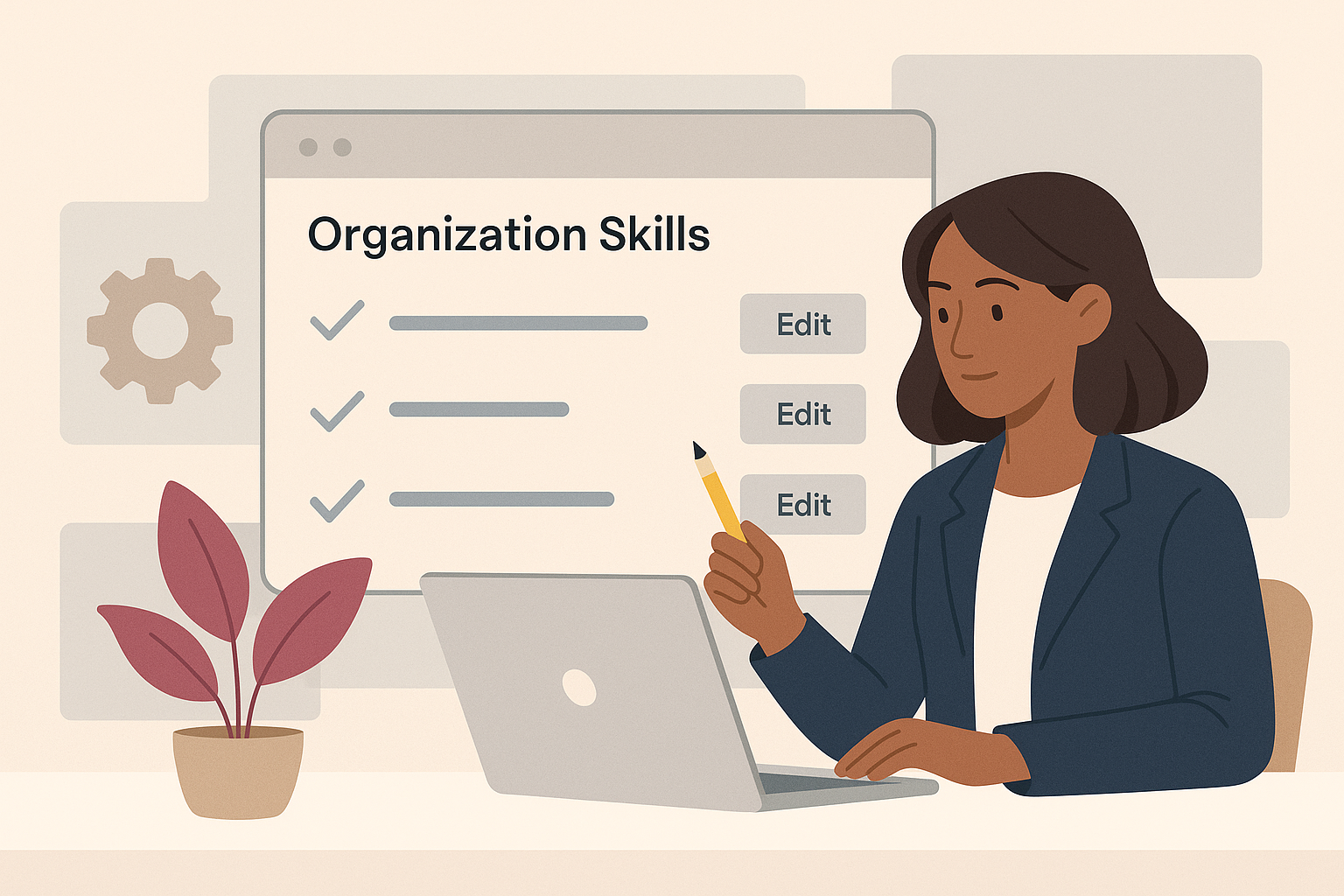
Organisation Skills in the eLLM Admin Console
The article explains how the eLLM Admin Console allows organisations to create and manage shared instruction sets called "organisation skills" to ensure consistent responses across teams. These skills can be customised, restricted to specific groups, and integrated with extern…

Tool Approvals in eLLM
The approvals page in eLLM allows administrators to review and approve or reject sensitive tool actions, ensuring human oversight. Tools set to auto-execute and personal user tools bypass this queue.

Coding with ELLM (the code API)
The eLLM code API offers developers control over coding assistants by centralising access, logging usage, and allowing local model use to keep code secure. It provides dedicated coding modes and special API keys for streamlined and secure operations.

Exporting Answers as Documents in eLLM
eLLM allows you to export answers as structured documents in PDF, Word, or Excel formats, with an Auto option to select the best fit. The process is secure, with files generated on your own servers and downloaded directly to your device.
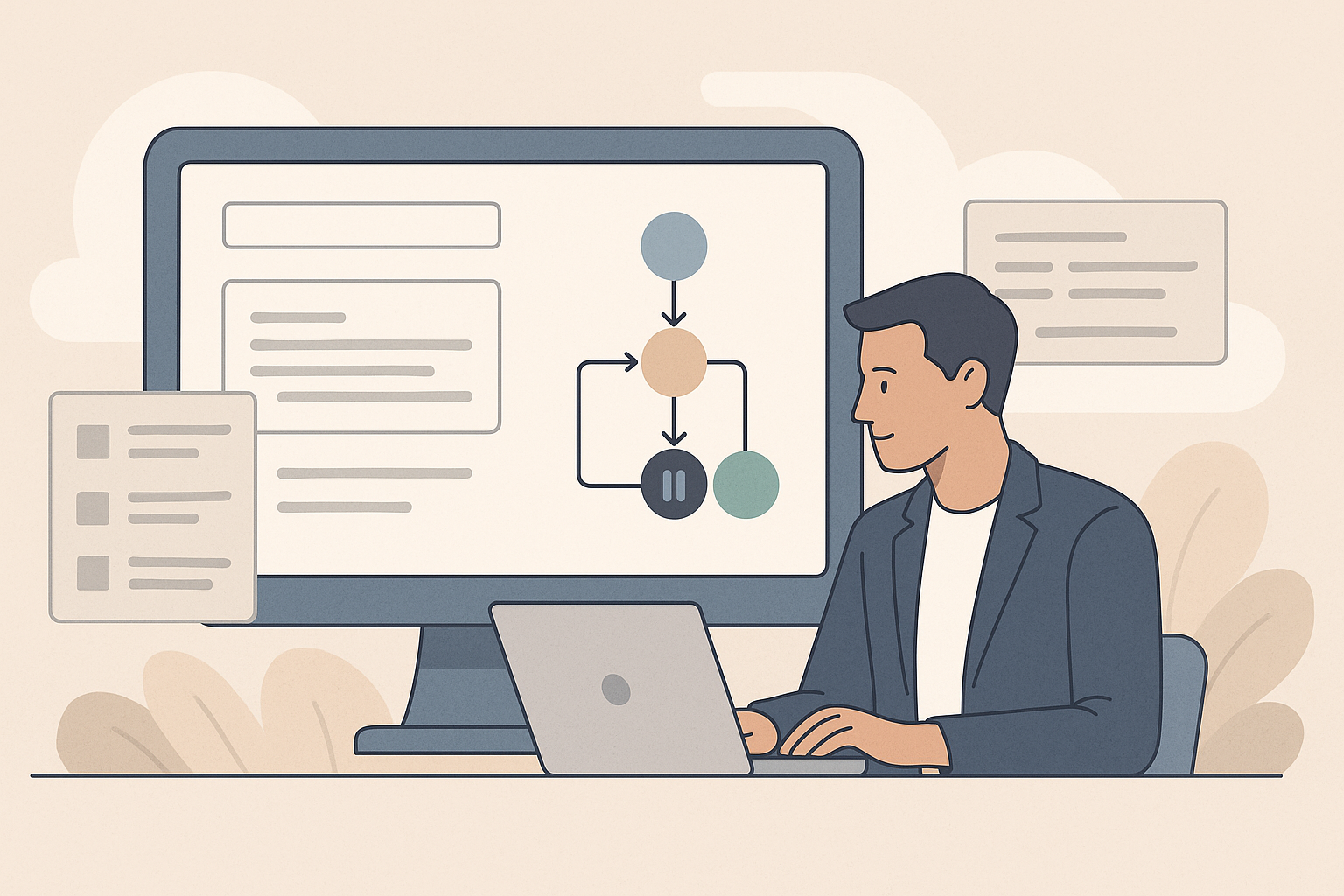
Workflows in eLLM
The article explains how workflows in eLLM help automate multi-step processes by creating named pipelines that can be reused. Administrators can define, run, and manage workflows, with steps pausing for approval when necessary.

Managing Documents in eLLM
The article explains how eLLM manages a document library, allowing users to upload, organise, and control access to company knowledge. Features include drag-and-drop uploads, access tags, age-out dates, and smart versioning to avoid duplicates.
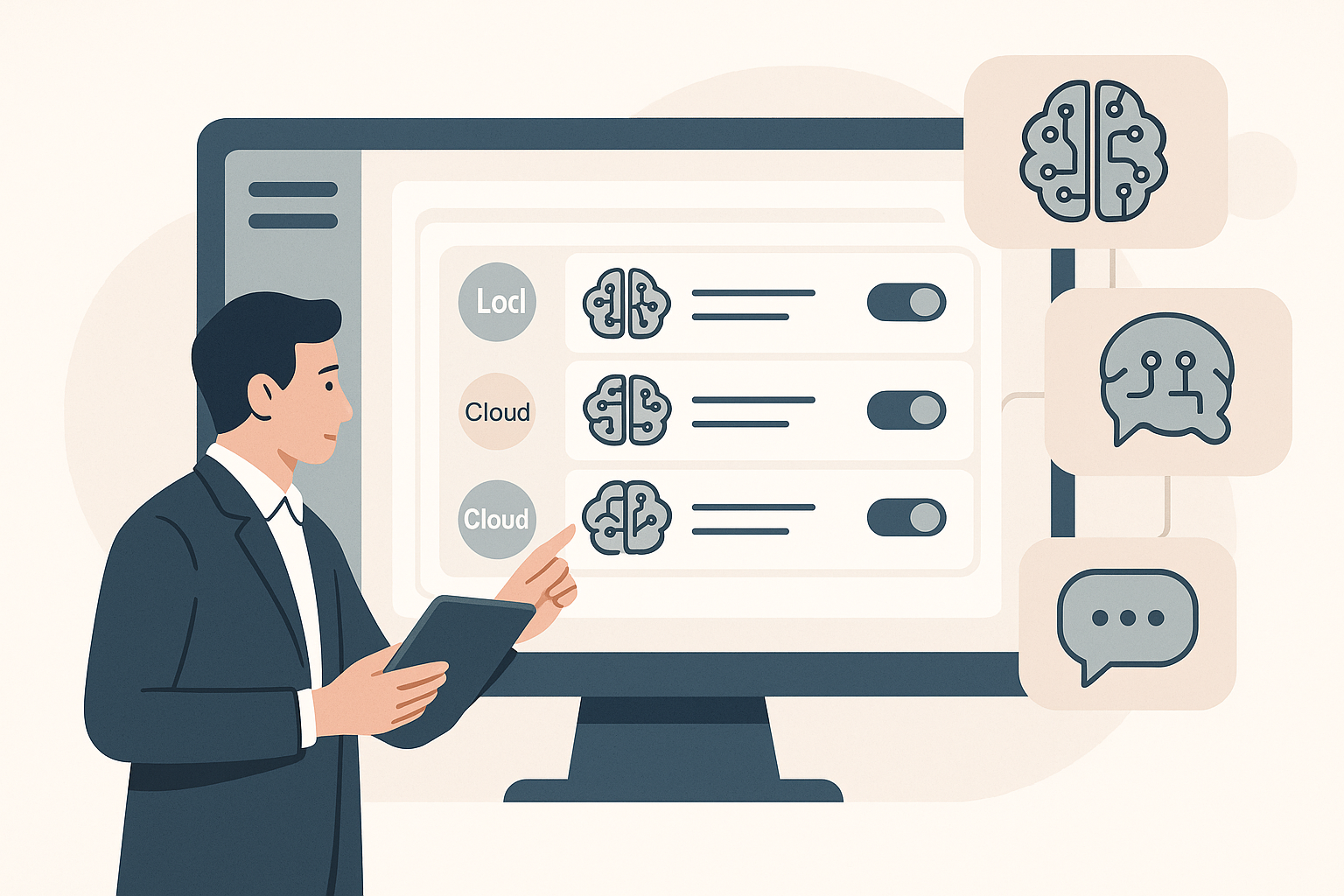
Managing Models in the eLLM Admin Console
The eLLM Admin Console allows administrators to manage AI models by registering, editing, and controlling their usage and costs. It supports both local and cloud models, enabling flexible management without requiring a system restart.
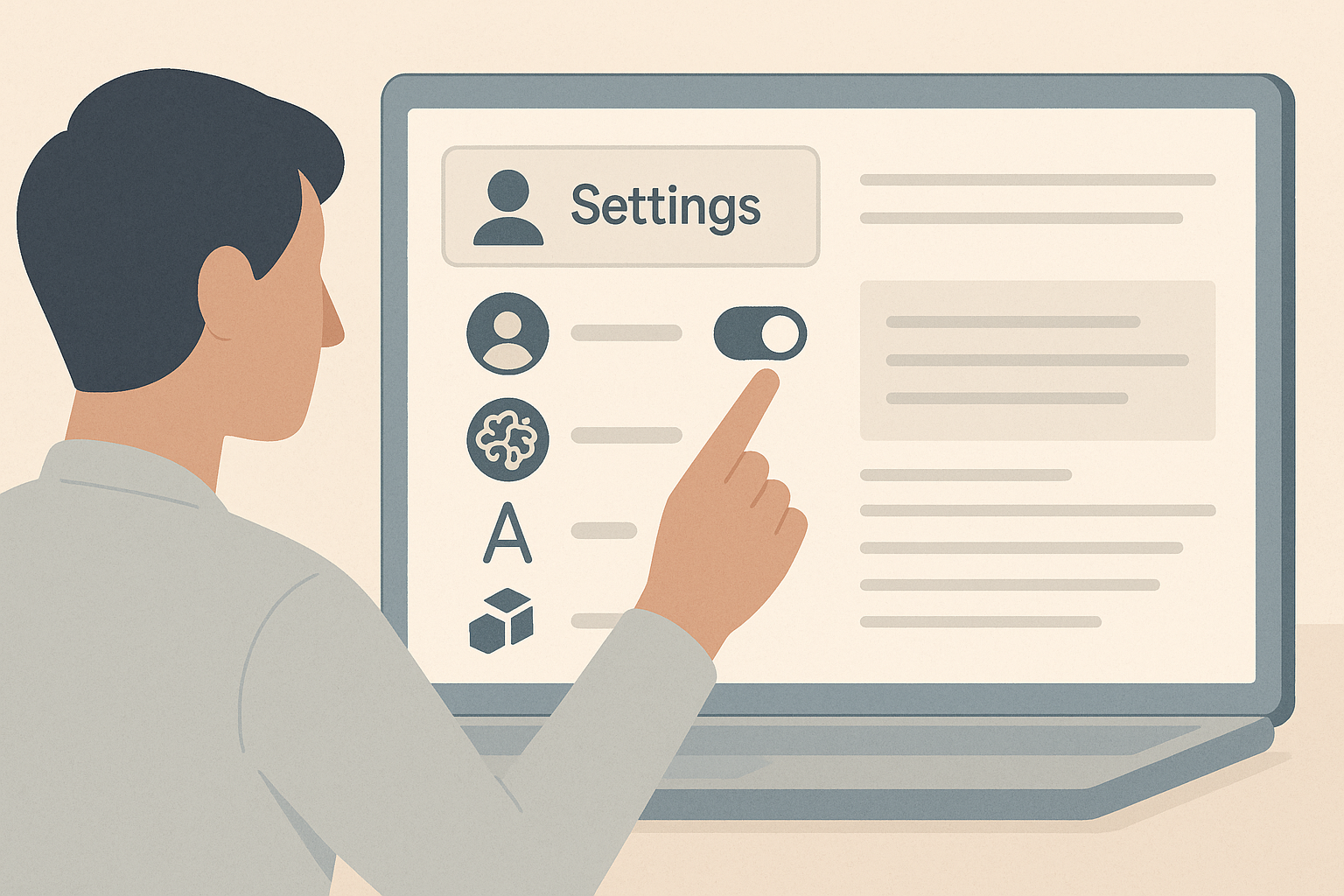
Your eLLM settings
The article explains how to customise eLLM settings to suit personal and organisational needs, including managing memory, setting response language, and connecting personal tools. It highlights permission requirements for certain features.
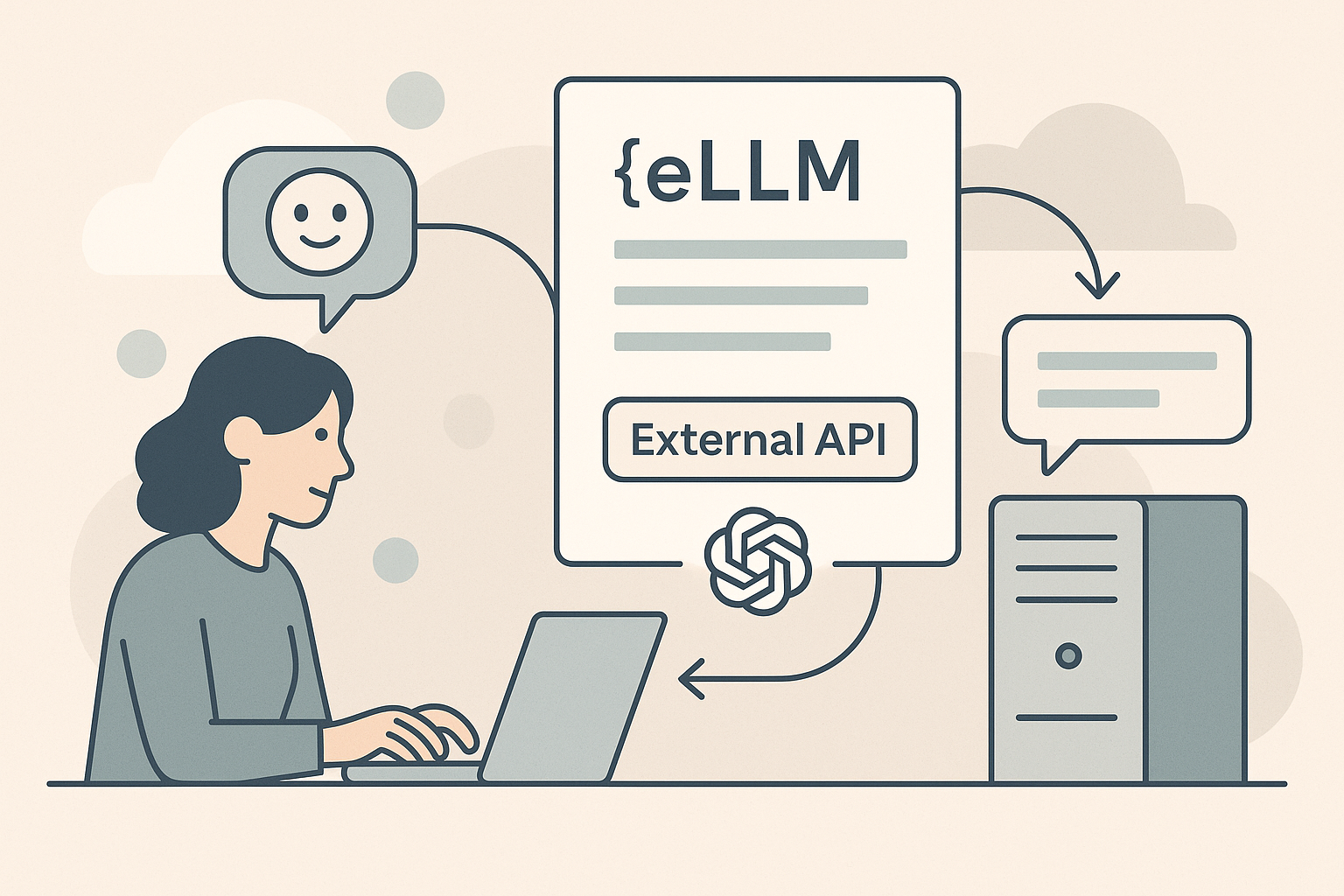
The eLLM external API
The eLLM external API allows systems to interact with ELLM using an OpenAI-compatible interface, providing options for document-grounded answers, plain chat, and automatic model selection. It supports authentication, streaming, and tool integration.
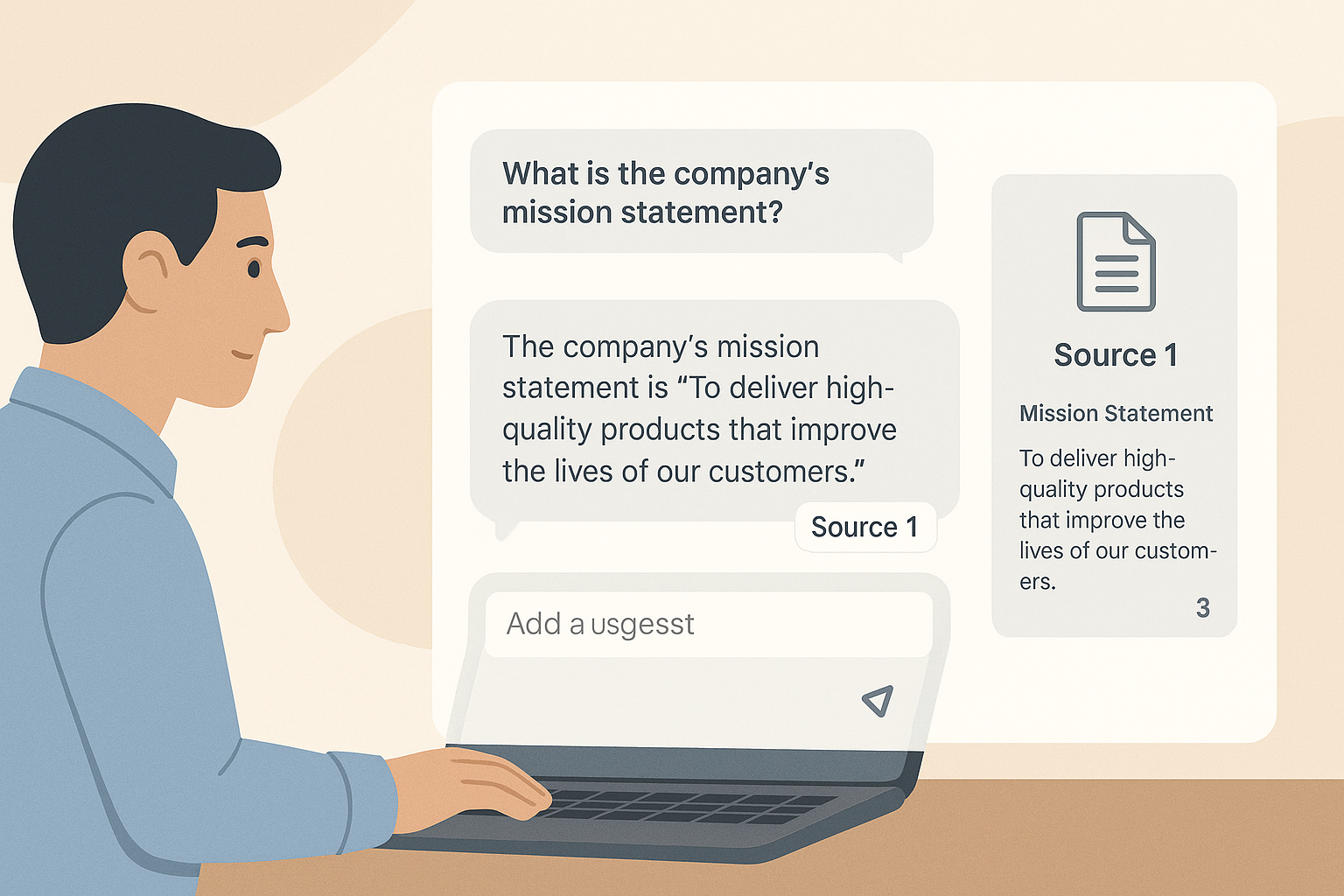
Using the eLLM chat
The eLLM chat tool provides reliable answers by searching through accessible documents and offering responses with citations. Users can choose AI models, attach documents or images, and personalise interactions with skills and memory features.

Scaling eLLM
eLLM is built to grow with you. You can start on a single server and, as demand rises, add more AI capacity in several independent ways without rebuilding the system or moving your data. This article explains the ways eLLM scales: running several local models, reaching out to cloud models, letting eLLM pick the right model automatically, and turning ordinary desktops into a private pool of AI workers with Edge Mesh.