Connecting Your Existing Tools to AI Safely
Learn how to safely connect AI assistants to existing tools with eLLM's Model Context Protocol, ensuring IT oversight, approval processes, and audit trails for sensitive actions. Discover more in the eLLM Knowledge Base.
The problem: an assistant that can only talk, not act
A chat based AI assistant is useful for drafting and answering questions, but its usefulness is capped the moment a task requires it to actually do something, check a calendar, raise a ticket, look something up in another system. Staff end up copying information back and forth between the assistant and their other tools by hand, which limits how much time it genuinely saves. The obvious next step is connecting the assistant to those other systems.
The obvious worry that follows is what it means to give an AI assistant the ability to take actions in systems that matter, and who is watching when it does.
Why an unmanaged connection isn't good enough
Browser extensions and personal plugins that connect AI tools to other systems are easy to install and just as easy to lose track of. Once a connection like that exists outside IT's visibility, there's no record of what it did, when, or on whose authority. That's a difficult position to be in even for low stakes tasks, and not one worth accepting for anything that touches sensitive systems.
How eLLM addresses this
MCP connects external tools in a managed way.
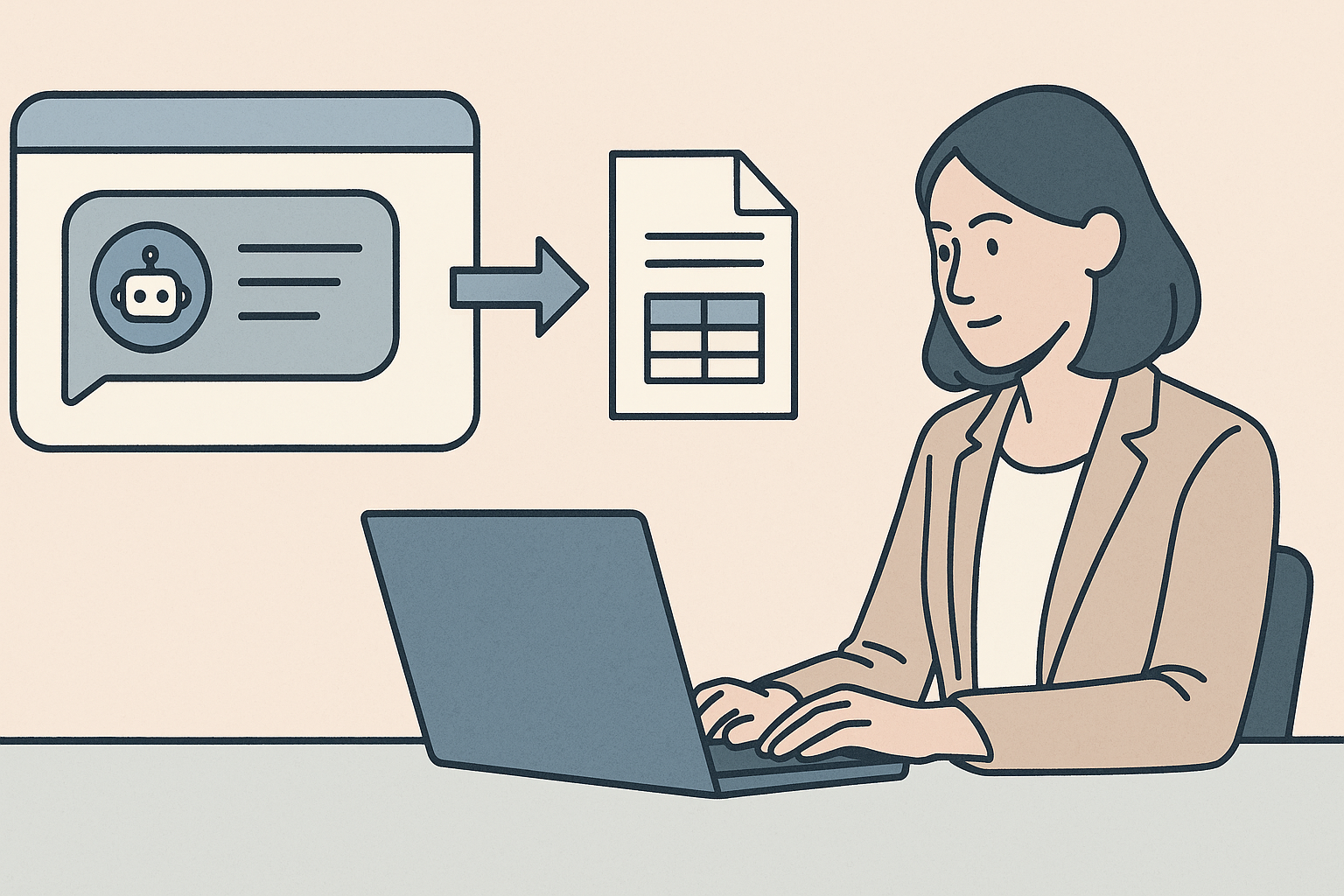
Model Context Protocol, or MCP, is how eLLM connects to external tools and systems, giving the assistant the ability to act rather than just respond, within a framework IT can see and control.
Organisation and personal tools are kept distinct.
Tools set up for the whole organisation are managed centrally, while individuals can also connect their own personal tools, with the two kept clearly separated in terms of access and oversight.
Sensitive actions go through an approval queue.
Where a tool action is sensitive, it can be routed to an approvals page where an administrator reviews and approves or rejects it before it happens, rather than executing automatically and unseen.
Everything is recorded.
Tool actions are logged, so there's a clear record of what was done, giving IT an audit trail rather than having to take it on trust.
The outcome
Staff get an assistant that can do more than answer questions, connecting to the tools they already use day to day. IT keeps the oversight that a browser plugin or unmanaged integration would never have offered, with sensitive actions checked before they happen and a full record of what took place afterwards.
Learn more
The eLLM Knowledge Base explains how MCP tools work, the difference between organisation and personal tools, and how the approvals process and audit logging are configured.
person people found this useful.