
eSAM

eSAM and exam regulations
eSAM addresses every requirement in JCQ Appendix 1 that software can address. The rest, who is sitting there, how the room is laid out, how many invigilators are watching stay with the centre, and eSAM tells you exactly which those are.

What eSAM is, for tutors
eSAM is a tool for running secure, locked-down exams via Moodle, allowing tutors to monitor students' screens and manage exam settings. It requires Windows and doesn't replace the need for human invigilation for remote exams.

eSAM - Troubleshooting for tutors
This article provides troubleshooting tips for tutors using eSAM, covering common issues like quiz settings, document uploads, and app permissions. It also addresses problems during exams, such as PC crashes and student device compatibility.

eSAM - Setting up a secure exam
Learn how to set up a secure exam using eSAM by enabling restrictions, allowing specific apps, and configuring invigilation settings. Ensure a smooth exam day by testing the setup in advance and advising students on necessary preparations.
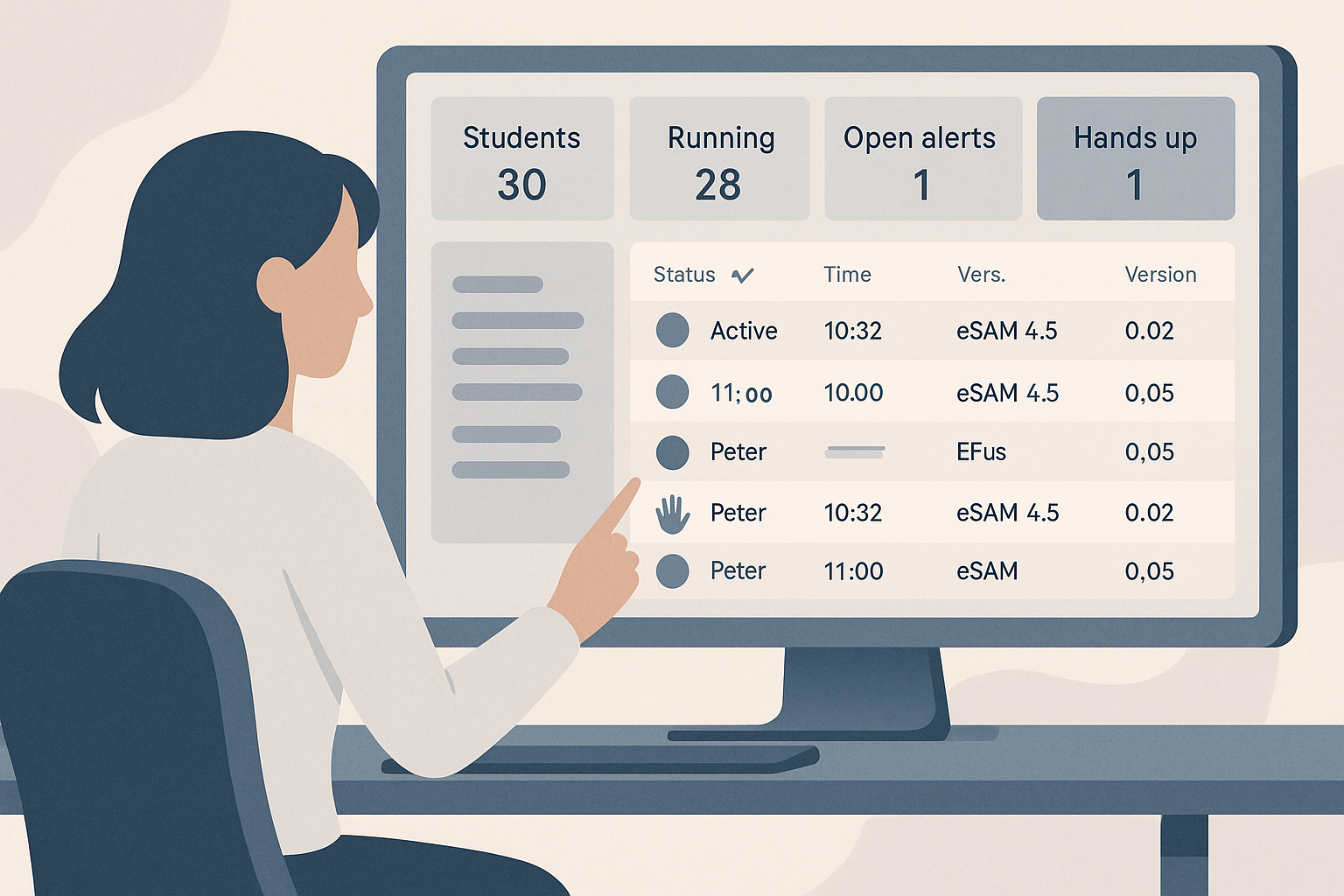
eSAM - Running the exam: the live dashboard
The live dashboard in eSAM allows exam invigilators to monitor students' activities in real-time, manage alerts, and communicate efficiently. It provides detailed information on each student's status and facilitates quick responses to issues during exams.

eSAM - Invigilation and alerts
The article outlines how eSAM integrates with Teams for remote exam invigilation, detailing setup, alerts, and monitoring features. It explains how to manage student participation and monitor their activity during exams.

eSAM - Choosing restrictions
The Restrictions tab in eSAM allows you to customise how a PC is controlled during an exam, based on predefined profiles. You can override settings for individual exams without altering the original profile, ensuring flexibility and security.

eSAM - After the exam: integrity reports
The article explains how to access and interpret eSAM integrity reports following an exam, detailing what information is included and how to handle alerts. It also advises on data retention and how to respond to student inquiries about recorded data.

eSAM - What students can and cannot do
The article provides guidance on managing exam documents within the eSAM system, detailing how to add, open, and remove documents for students. It emphasises the importance of checking document accessibility and naming files clearly for ease of use during exams.