
Knowledge base

Scaling eLLM
eLLM is built to grow with you. You can start on a single server and, as demand rises, add more AI capacity in several independent ways without rebuilding the system or moving your data. This article explains the ways eLLM scales: running several local models, reaching out to cloud models, letting eLLM pick the right model automatically, and turning ordinary desktops into a private pool of AI workers with Edge Mesh.
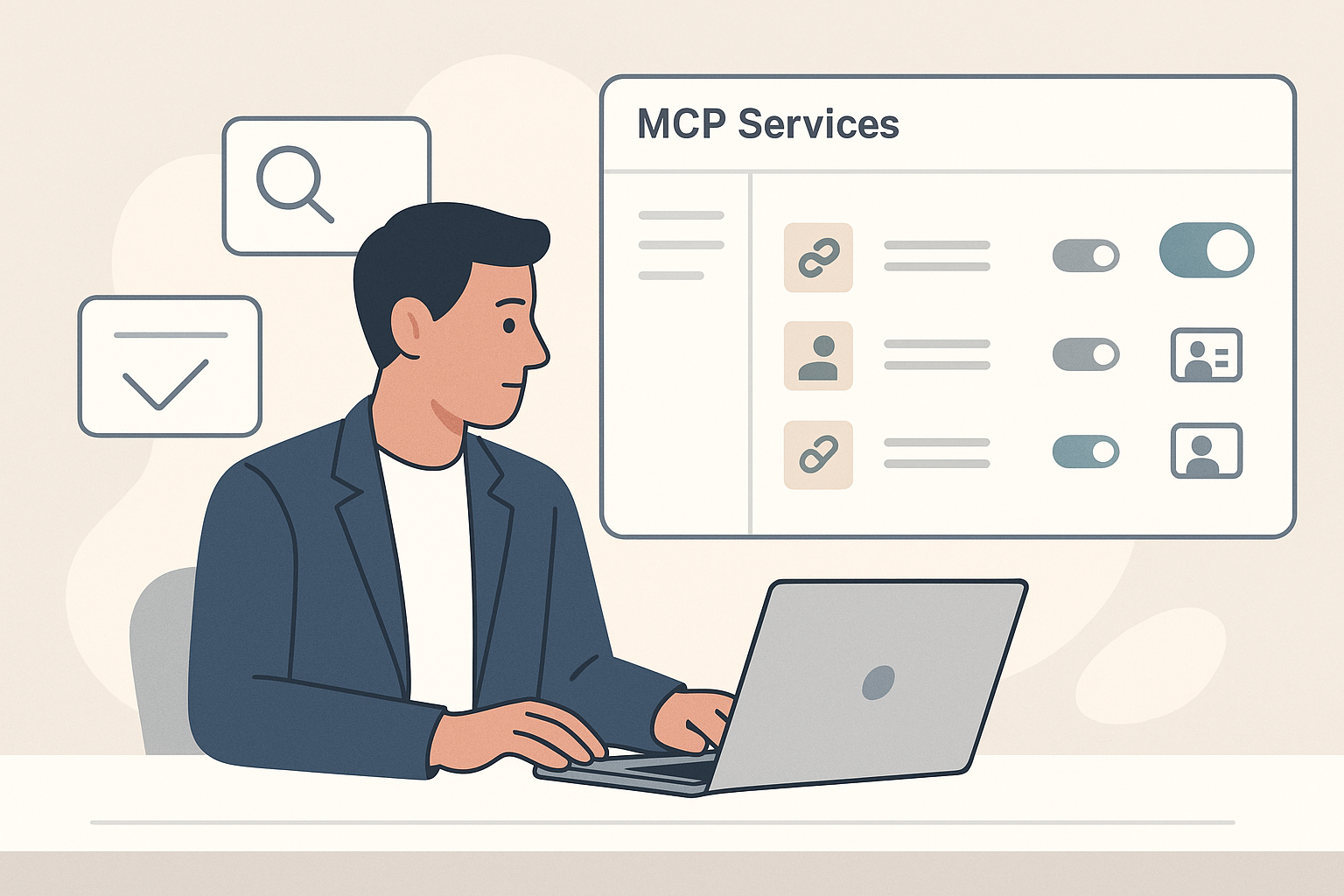
MCP Services in the eLLM Admin Console
The MCP services page in the eLLM Admin Console allows administrators to connect external tools, manage their use, and control execution approvals, enhancing the assistant's capabilities while maintaining oversight and security.

The eLLM Admin Console
The eLLM Admin Console is a central hub for administrators to manage models, permissions, access keys, settings, and tools, with features like reports and an audit log. It's exclusively for admin group members and changes take effect live.
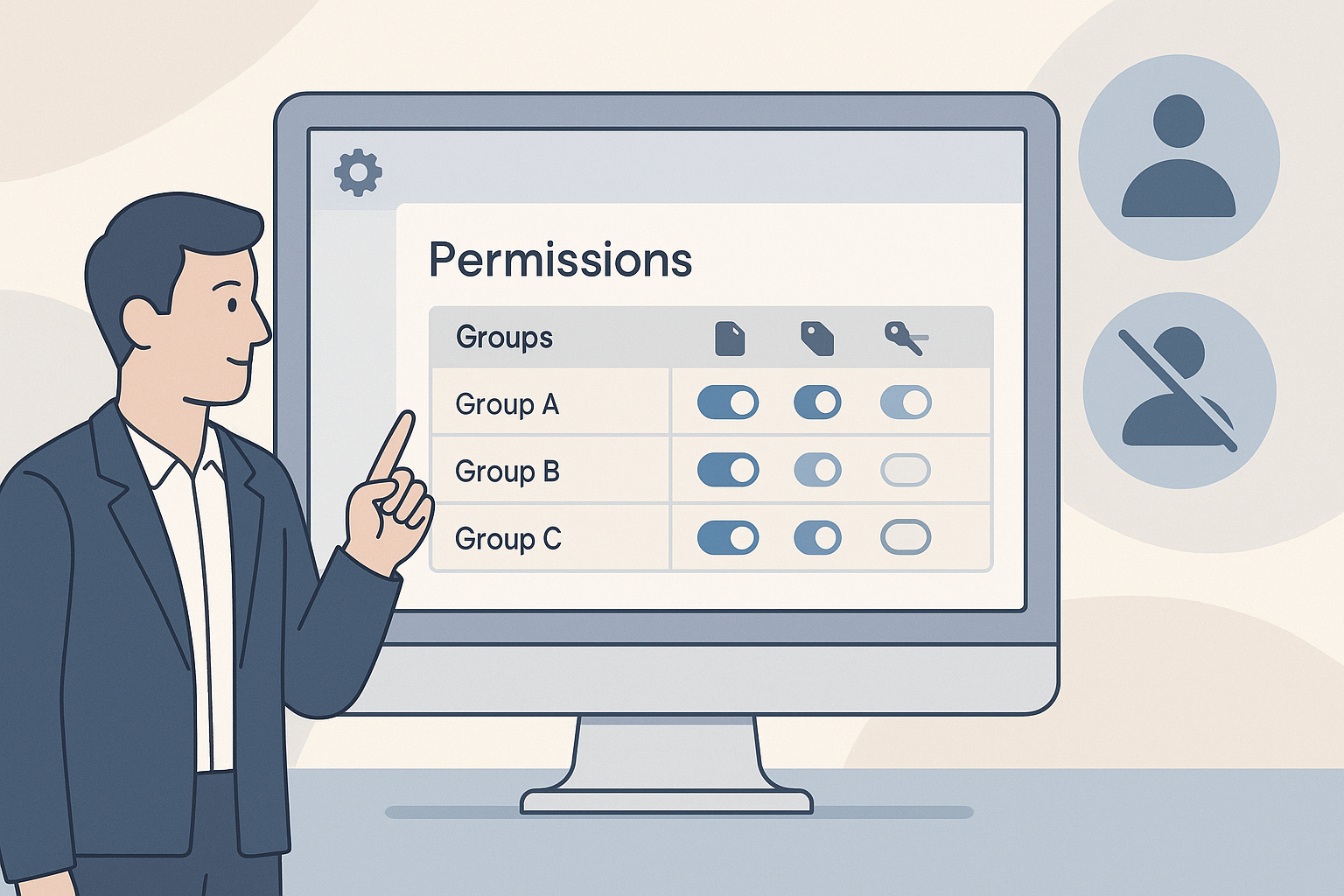
Permissions in the eLLM Admin Console
The article explains how administrators can manage user permissions in the eLLM Admin Console, detailing how to grant or revoke capabilities for groups. It covers features like document uploads, access tags, and personal tool connections.

Reports in the eLLM Admin Console
The article explains how the eLLM Admin Console's reports section provides insights into system usage, popular questions, and content gaps. It guides administrators on reading reports to enhance user support and document management.
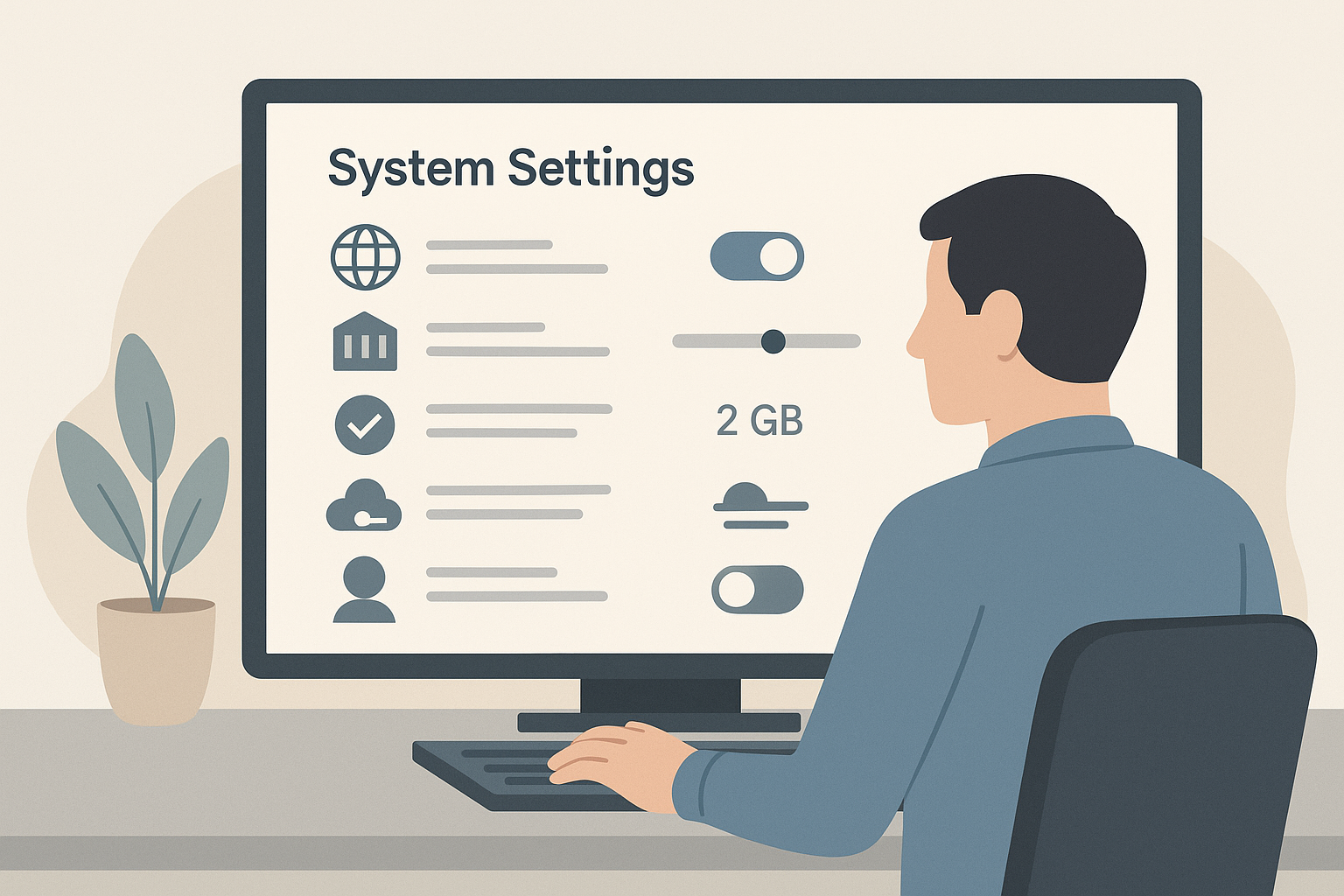
System Settings in the eLLM Admin Console
The article details the system settings available in the eLLM Admin Console, allowing administrators to control features like web search, document relevance, upload limits, and cloud usage. It highlights how these settings impact the entire organisation and can be adjusted wit…

Query Governance in eLLM
The article discusses query governance in eLLM, a system that monitors and controls questions asked to AI assistants, ensuring harmful content is flagged or blocked. It details configuration options, detection layers, and reporting features for administrators.

Automatic Model Routing in eLLM
ELLM can choose the best AI model for a question on your behalf. This is called automatic routing. This article explains what it does, when to use it, and how ELLM decides.
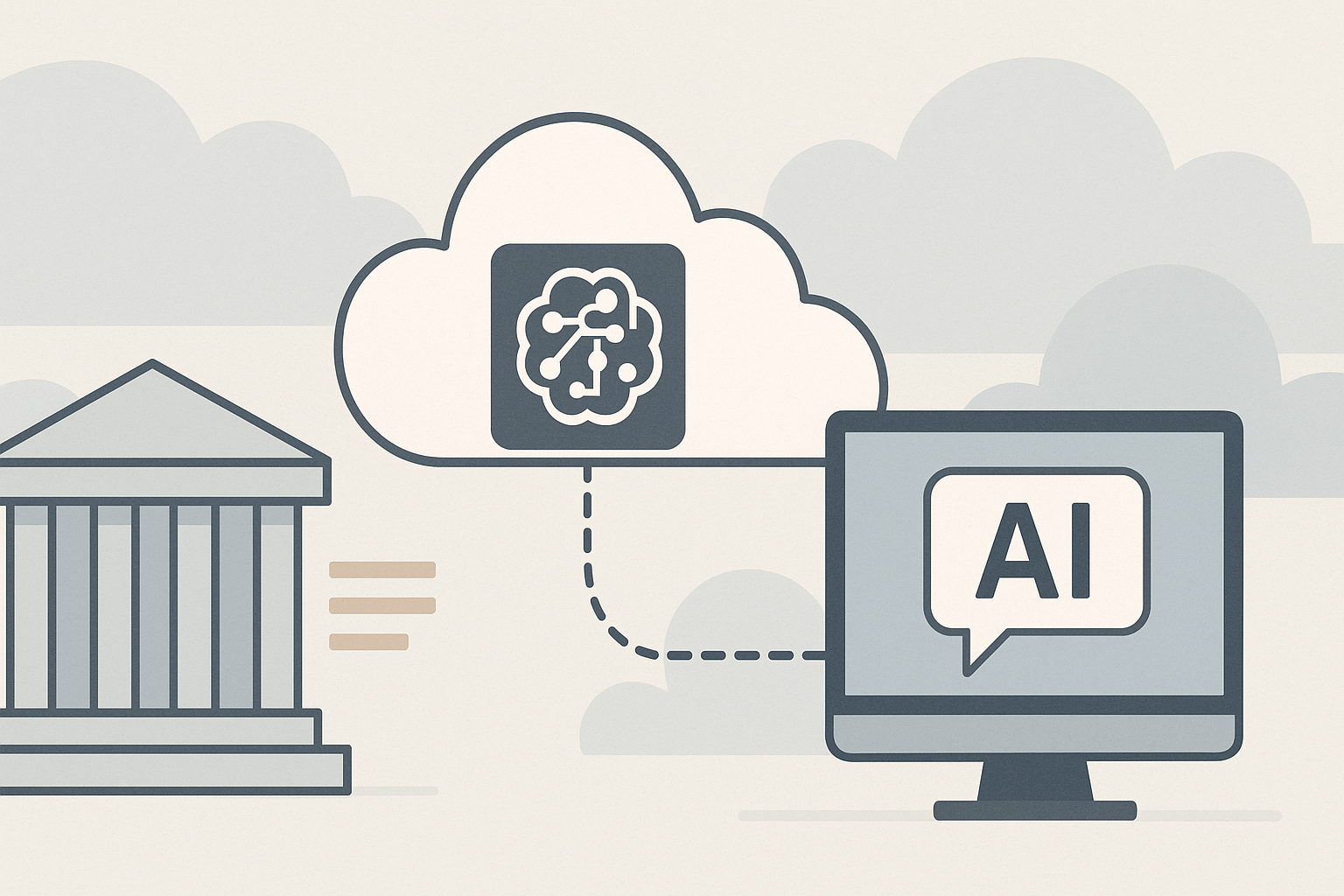
Cloud Models in eLLM
Cloud models in eLLM offer optional access to external AI services, enhancing local capabilities for complex tasks. They come with privacy controls and budget management, allowing organisations to balance cost, access, and data security.

Local Models in eLLM
Discover how local AI models in eLLM keep your organisation's data private by running on your own servers. Learn about their features, setup, and benefits, including cost savings and enhanced data security.

Understanding MCP (connected tools) in eLLM
Learn how MCP (Model Context Protocol) connects external tools to eLLM, enhancing the AI assistant's capabilities. Discover the differences between organisation and personal tools, approval processes, and how tool actions are recorded.

Personal Memory in eLLM
The article explains how eLLM's memory feature helps personalise interactions by remembering lasting facts about users, such as preferences and roles, without requiring repeated input. It also details how to manage, review, or disable this memory.