
Knowledge base
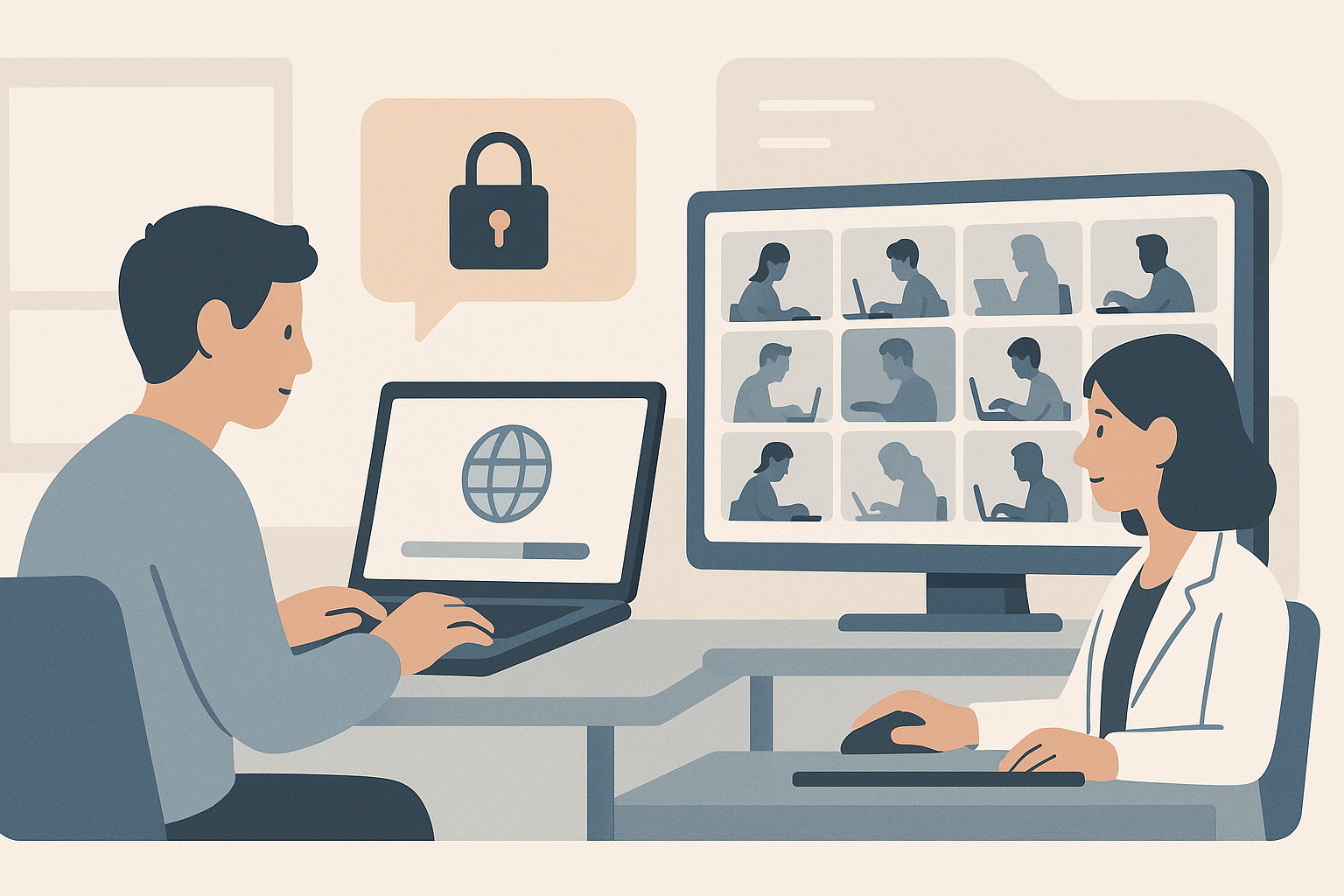
SEB Server: Screen Proctoring
Screen proctoring lets your invigilators see what is on each student's screen during an online exam, by capturing screenshots from Safe Exam Browser and showing them in a gallery view. It is a separate, optional layer on top of the lockdown and indicator features. Exam Administrators set it up; Exam Supporters use it on the day.
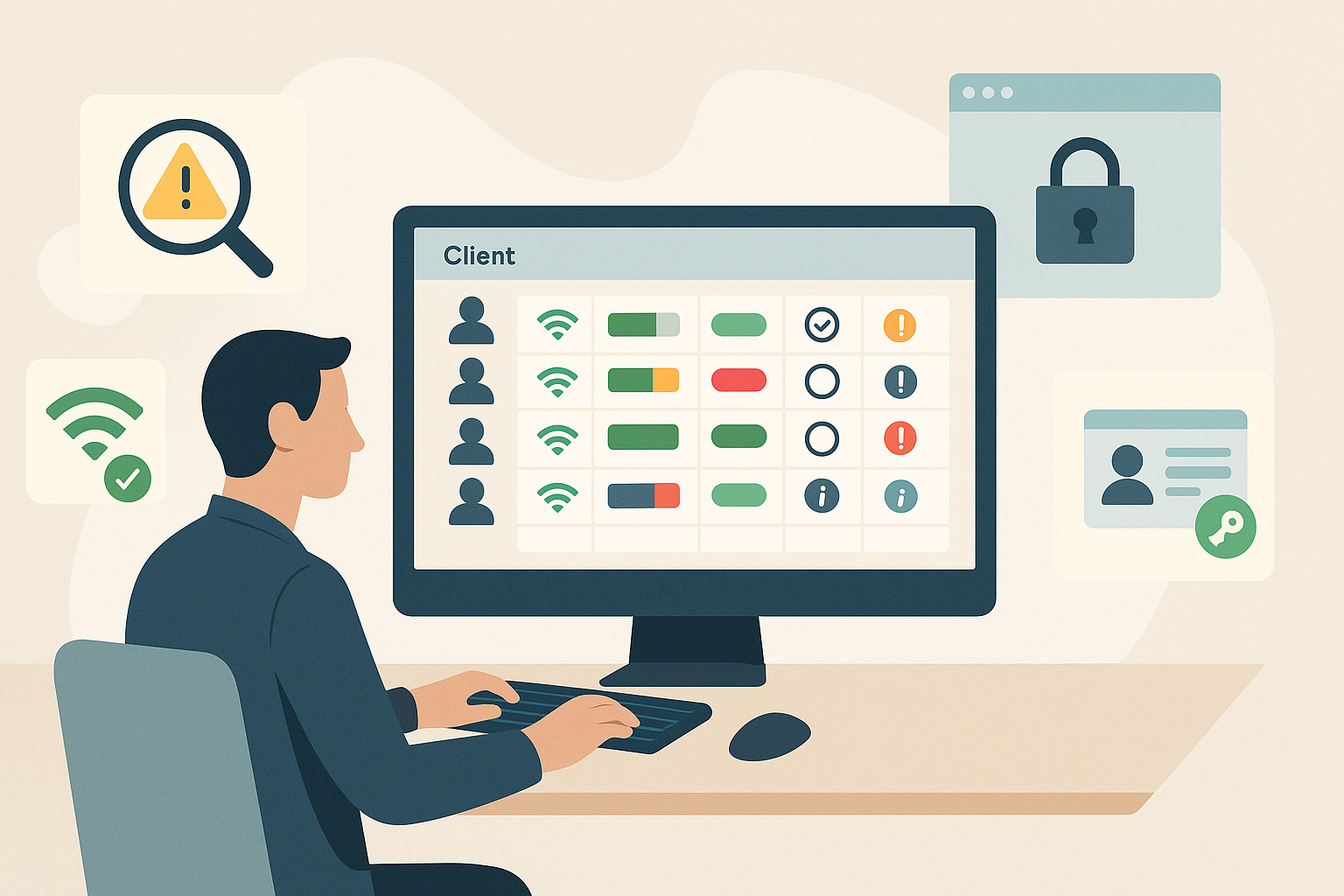
SEB Server: Indicators, Restrictions and Client Checks
There are several layers of protection and visibility you set up on an exam before it runs: monitoring indicators, the automated SEB restriction, the App-Signature-Key check and SEB Client Groups. Together they make sure the Safe Exam Browser clients connecting to your exam are the real thing, that the Moodle quiz can only be reached through a properly configured Safe Exam Browser, and that supporters can spot problems quickly on the day. Exam Administrators handle this preparation work.
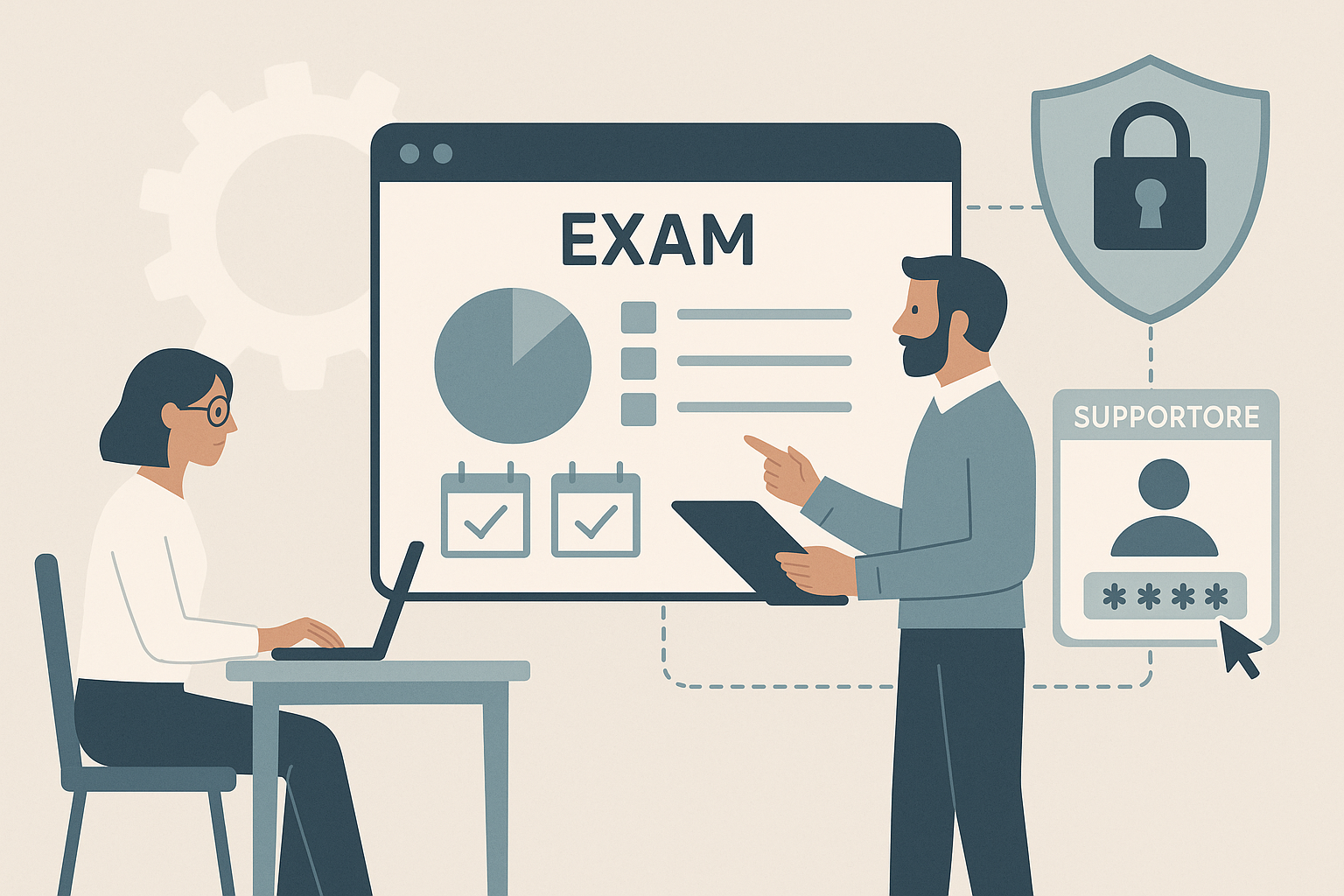
SEB Server: Setting Up an Exam
Once your institution is linked to Moodle and you have an Exam Configuration ready, you can import a Moodle quiz as an exam in SEB Server. This is where the central setup work pays off: in a few clicks, you attach the lockdown rules, choose your supporters and set up a quit password. Exam Administrators handle this work.
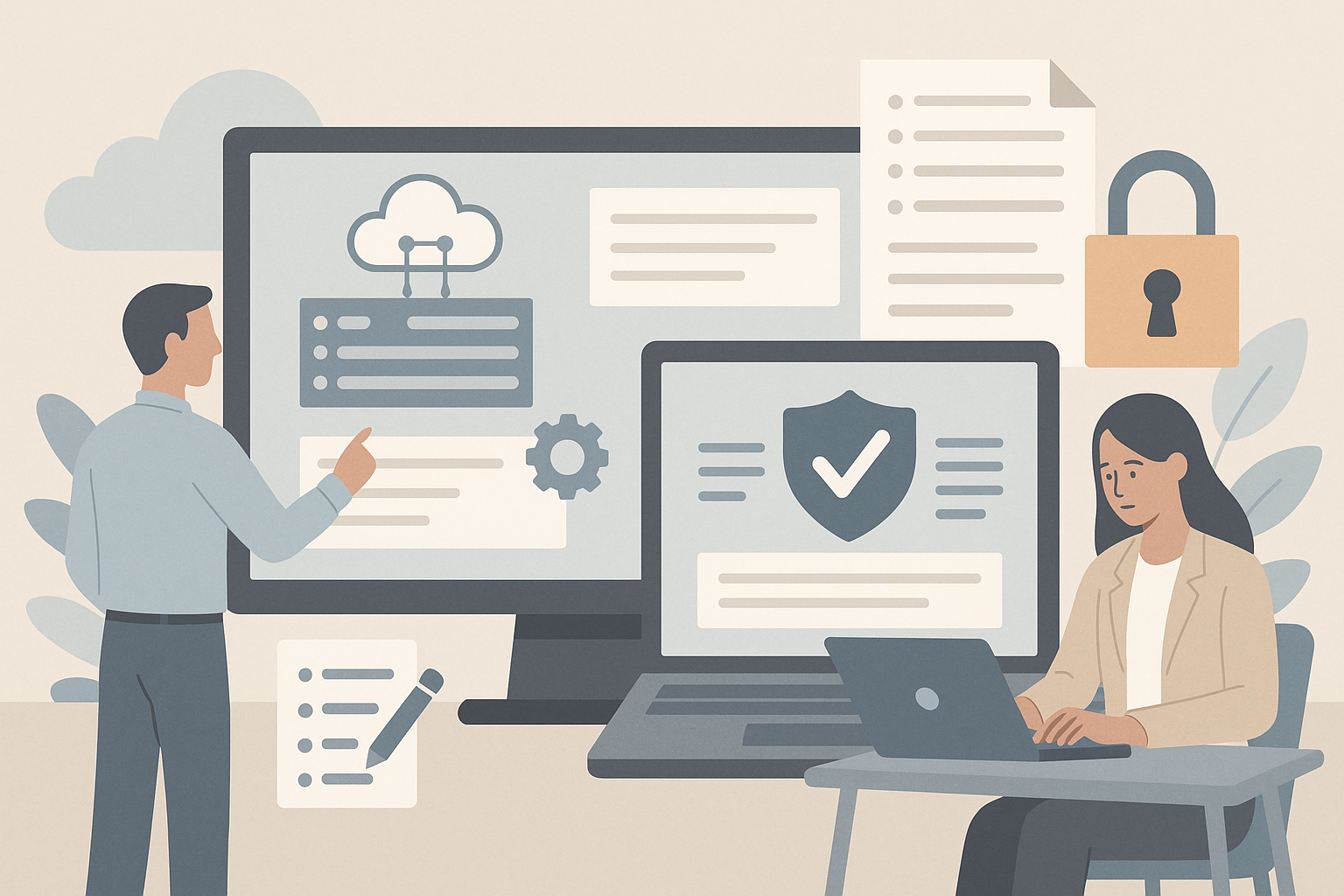
SEB Server: Connection and Exam Configurations (Lockdown)
Two pieces of configuration sit between SEB Server and the Safe Exam Browser on a student's device. A Connection Configuration tells Safe Exam Browser how to reach your SEB Server. An Exam Configuration tells Safe Exam Browser exactly how to lock the device down for one particular exam. Exam Configuration Templates let you reuse a standard set of settings across many exams.
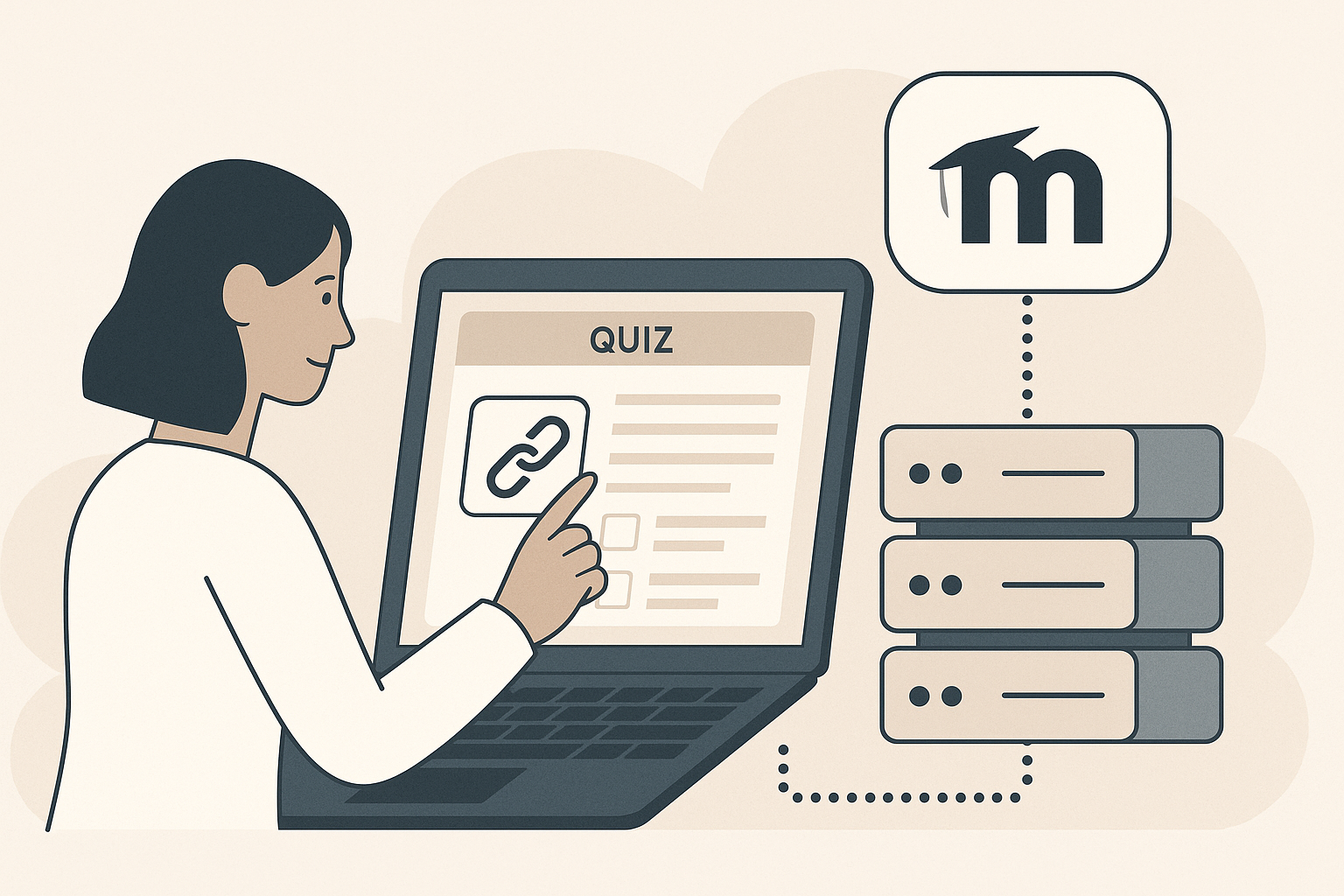
SEB Server: Connecting Moodle as Your Assessment Tool
SEB Server does not host quizzes itself. It works alongside your Moodle site, where the actual quiz questions and student results live. Before you can import a quiz as an exam, you have to tell SEB Server how to reach your Moodle site and give it permission to look up courses on your behalf. That link is called an Assessment Tool Setup.
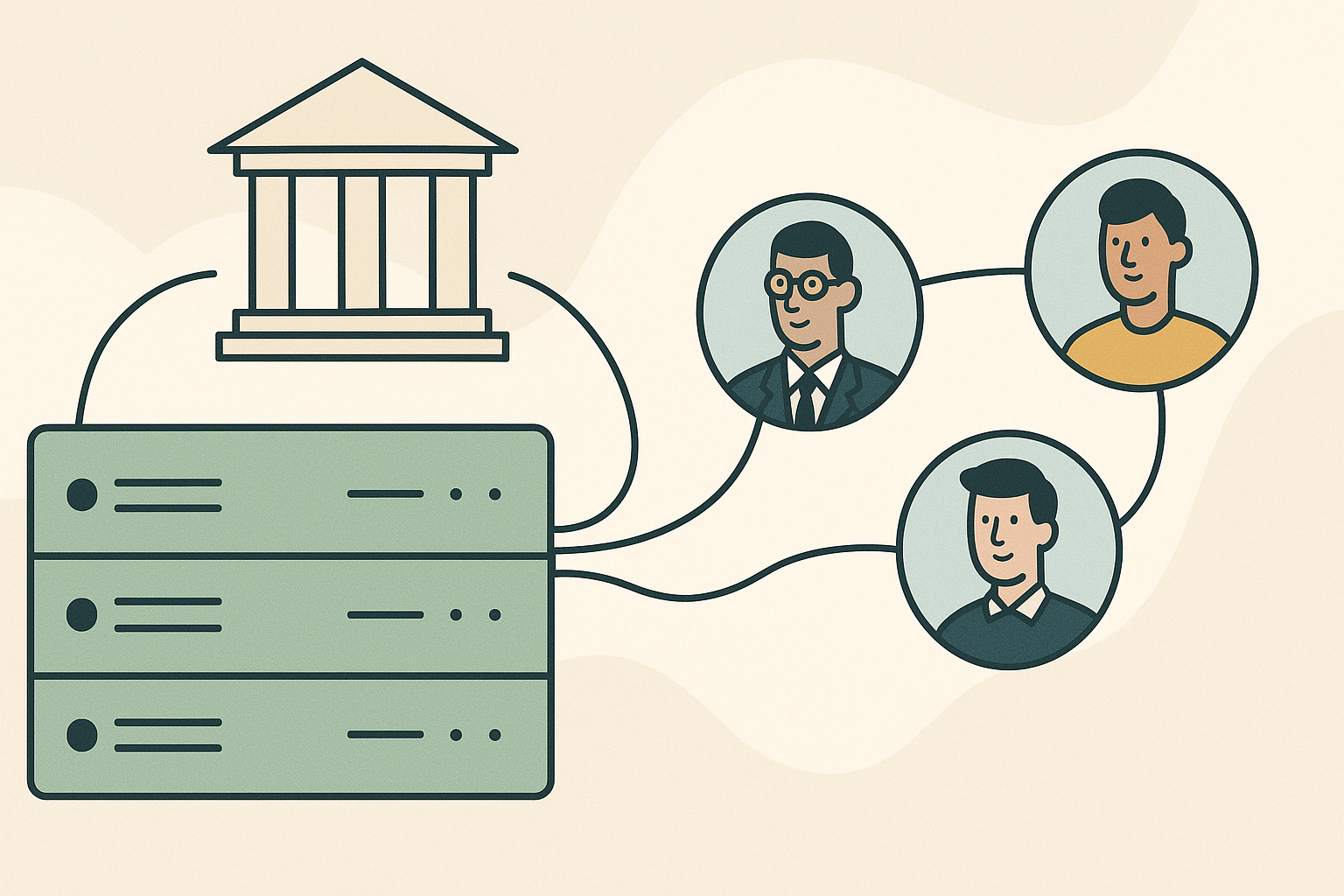
SEB Server: Institutions and Users
Before you can prepare an exam, your SEB Server needs an institution to put exams under, and the people who will run those exams need accounts with the right roles. SEB Server Administrators and Institutional Administrators handle this work when setting up a new SEB Server site or adding new staff to an existing one.
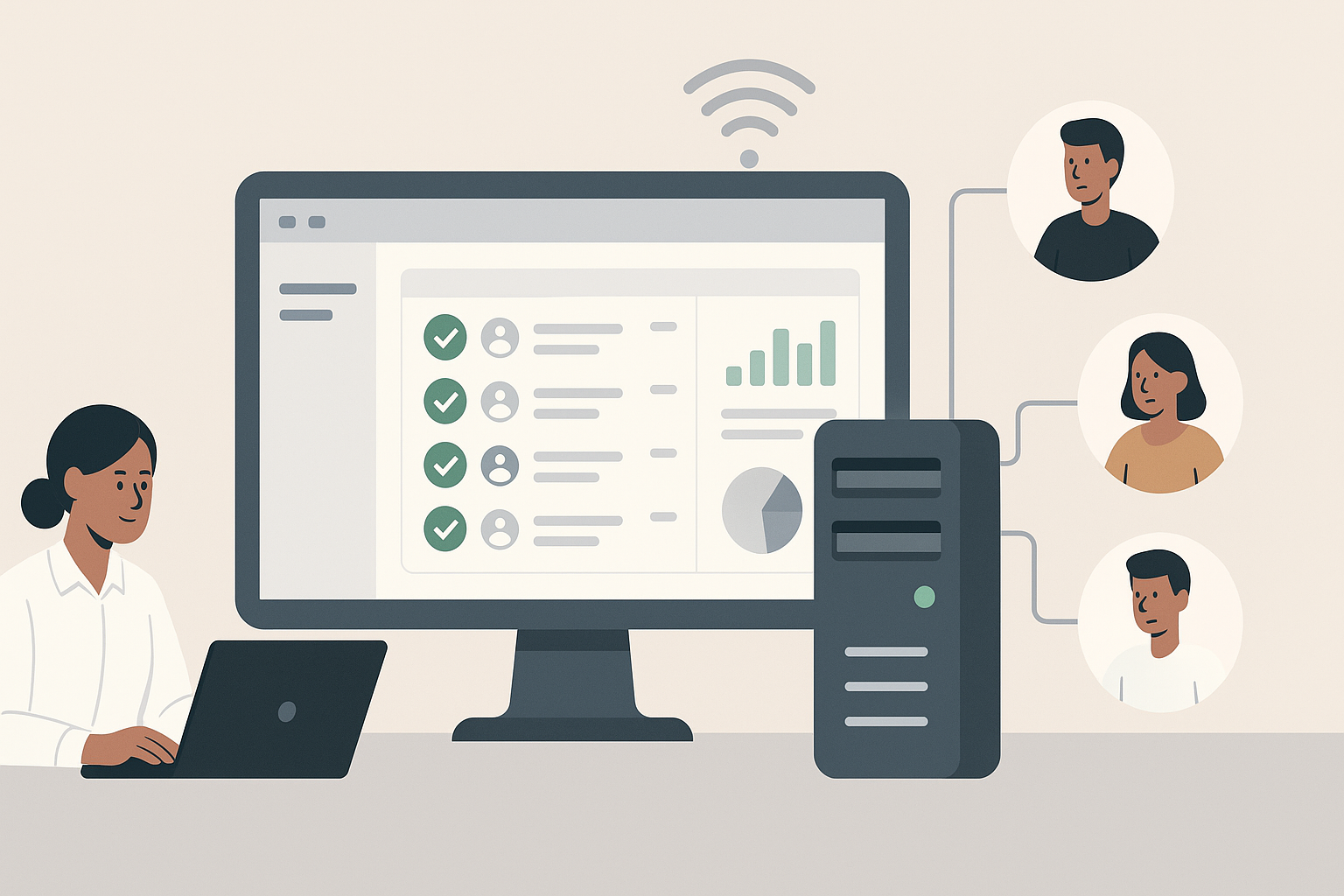
SEB Server: Introduction and Overview
SEB Server is a web-based administration tool that helps your organisation set up, manage and monitor online exams that use the Safe Exam Browser (SEB). It gives staff a single place to prepare exams, lock down what students can do on their device during an exam, and keep an eye on every connected student in real time.

How to Create a Course in Moodle
Learn how to create a course in Moodle 4.5, including setting up essential details like course names, categories, and visibility. This beginner's guide requires site administrator or manager permissions.
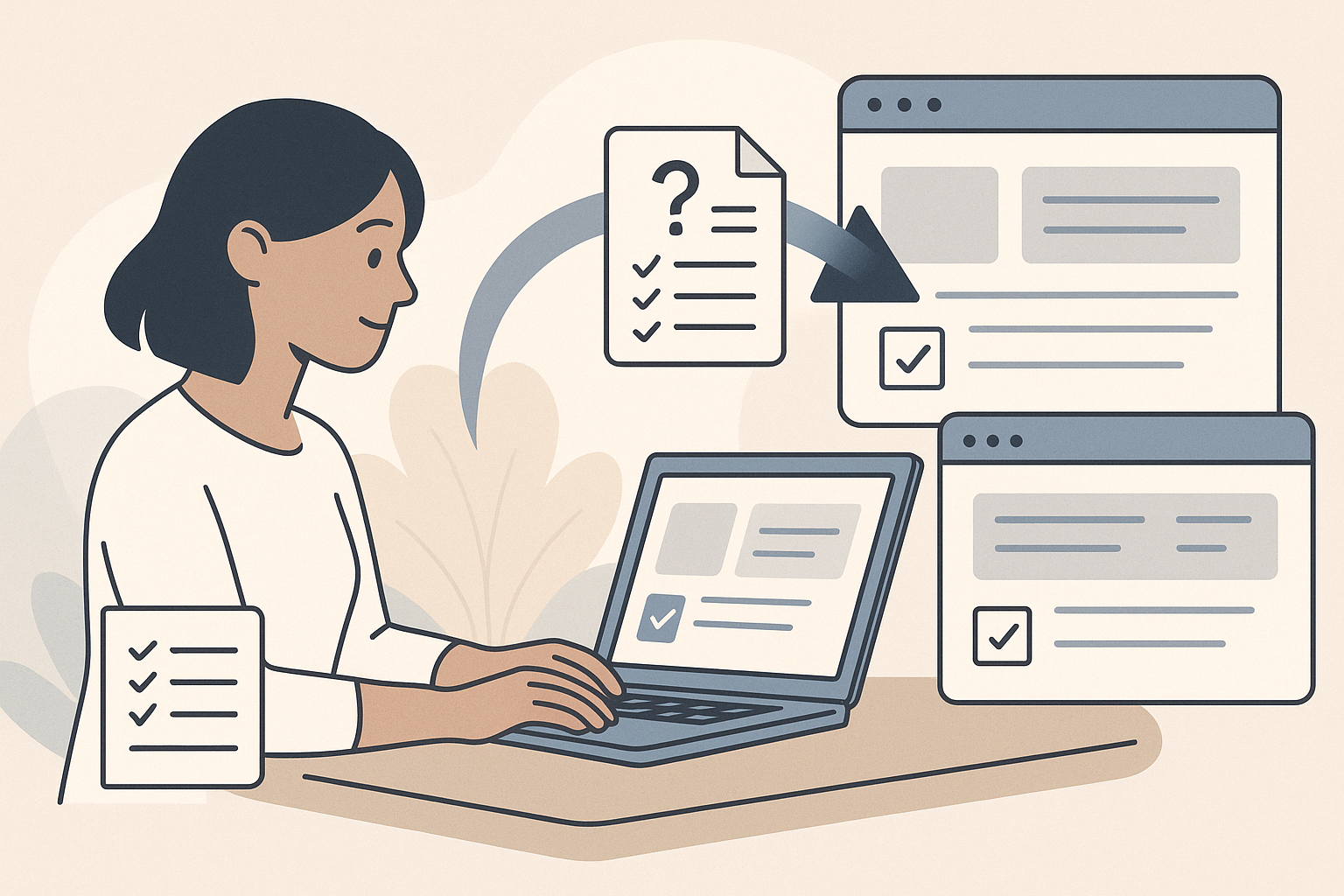
How to Move a Fixed Quiz Question from a Sandbox Site to Your Live Site
Learn how to efficiently transfer a corrected quiz question from a Moodle sandbox site to a live site using Moodle XML format. This guide helps avoid unnecessary edits and maintains the integrity of the live quiz.
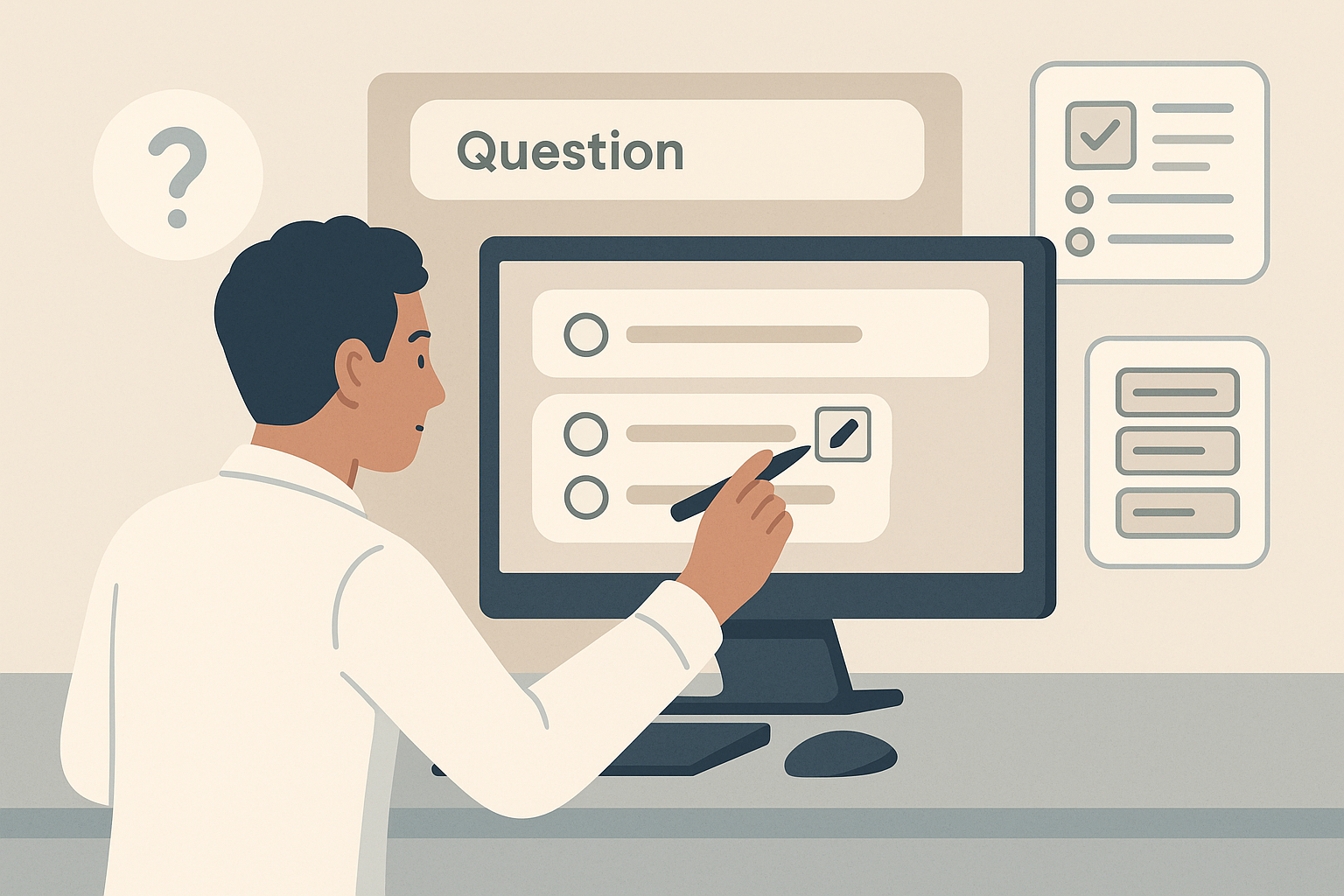
How to Edit a Question in a Quiz Without Re-Importing
Learn how to edit a quiz question directly in Moodle 4.5 without needing to re-import the entire question bank. This guide is perfect for fixing typos or errors, but be cautious if students have already attempted the quiz.
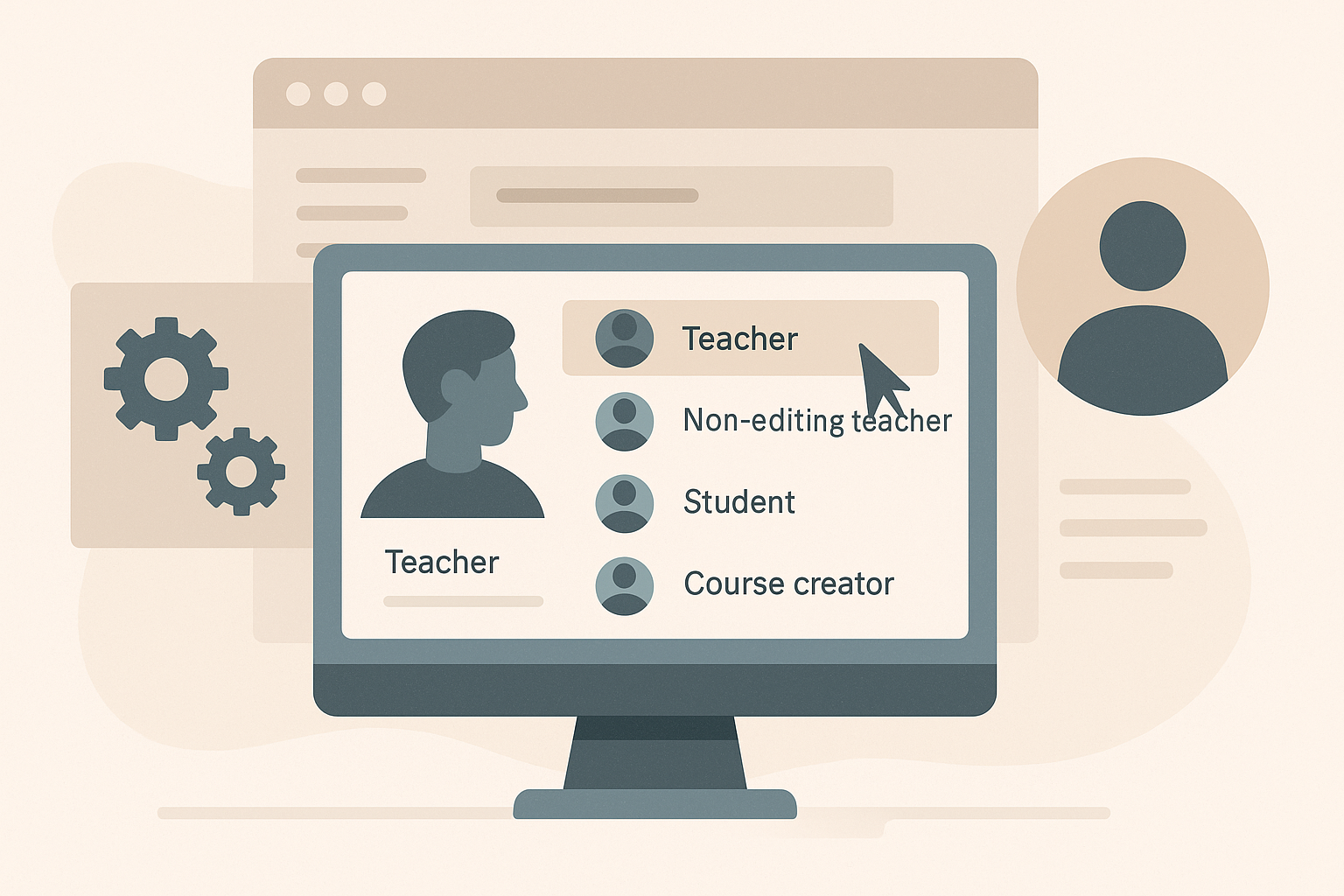
How to Change a User's Role in Moodle
Learn how to change a user's role in Moodle 4.5, whether at the course or system level. This guide provides step-by-step instructions for both scenarios, including necessary permissions and tips for role management.

How to Create a Course Category in Moodle
Learn how to organise your Moodle site by creating categories to group courses effectively. This guide walks you through the steps to set up categories, making it easier for learners to find courses based on department or subject area.