
Knowledge base

Local Models in eLLM
Discover how local AI models in eLLM keep your organisation's data private by running on your own servers. Learn about their features, setup, and benefits, including cost savings and enhanced data security.

Understanding MCP (connected tools) in eLLM
Learn how MCP (Model Context Protocol) connects external tools to eLLM, enhancing the AI assistant's capabilities. Discover the differences between organisation and personal tools, approval processes, and how tool actions are recorded.

Personal Memory in eLLM
The article explains how eLLM's memory feature helps personalise interactions by remembering lasting facts about users, such as preferences and roles, without requiring repeated input. It also details how to manage, review, or disable this memory.
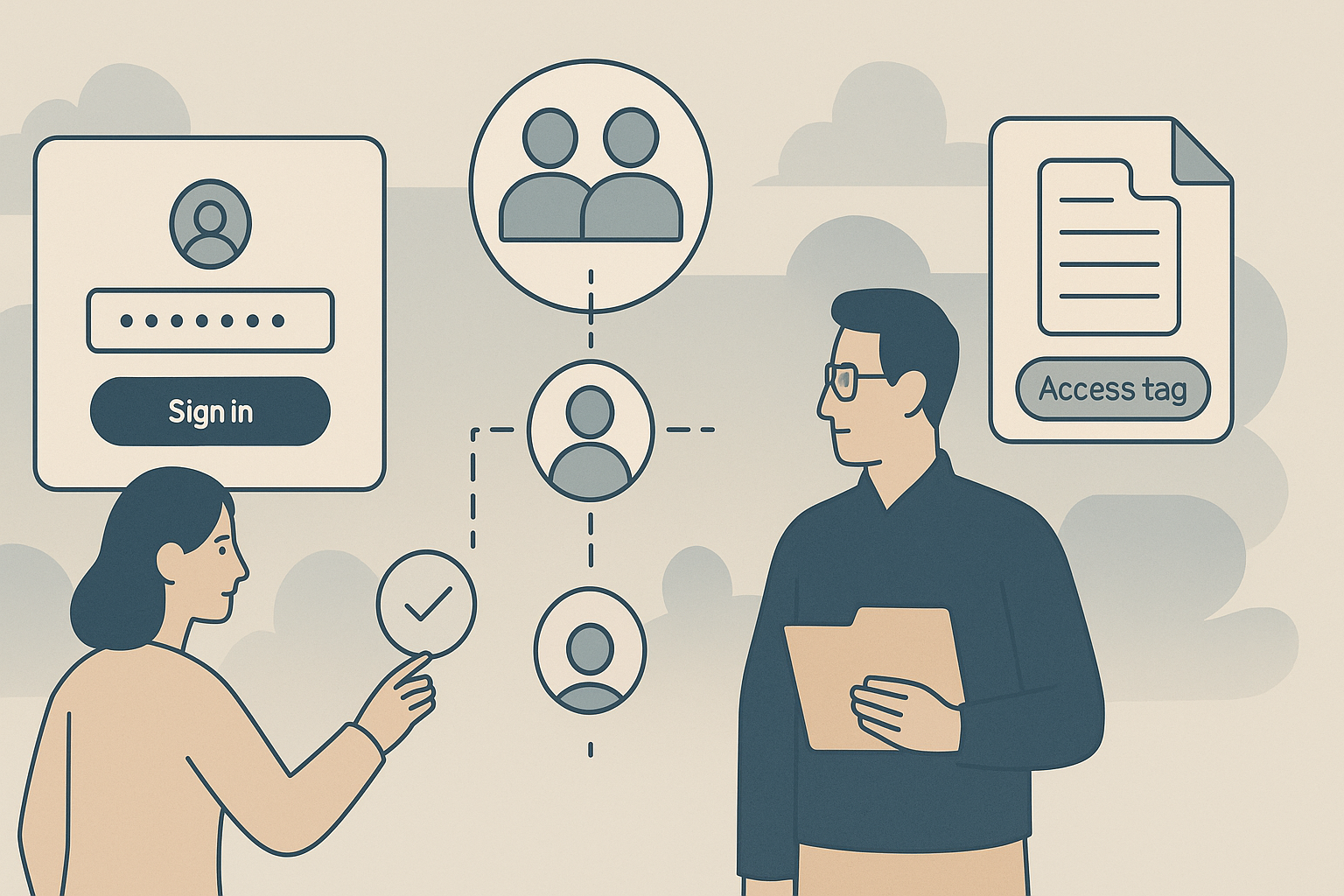
Permissions, Users and Groups in eLLM
The article explains how eLLM manages user access through a system of users, groups, and capabilities, ensuring the right people have appropriate access. It provides a guide for administrators on setting up and managing access permissions.

Skills in eLLM
The article explains how skills in eLLM help streamline tasks by saving sets of instructions for consistent responses. It covers organisation and personal skills, their management, and how they enhance efficiency in chat interactions.
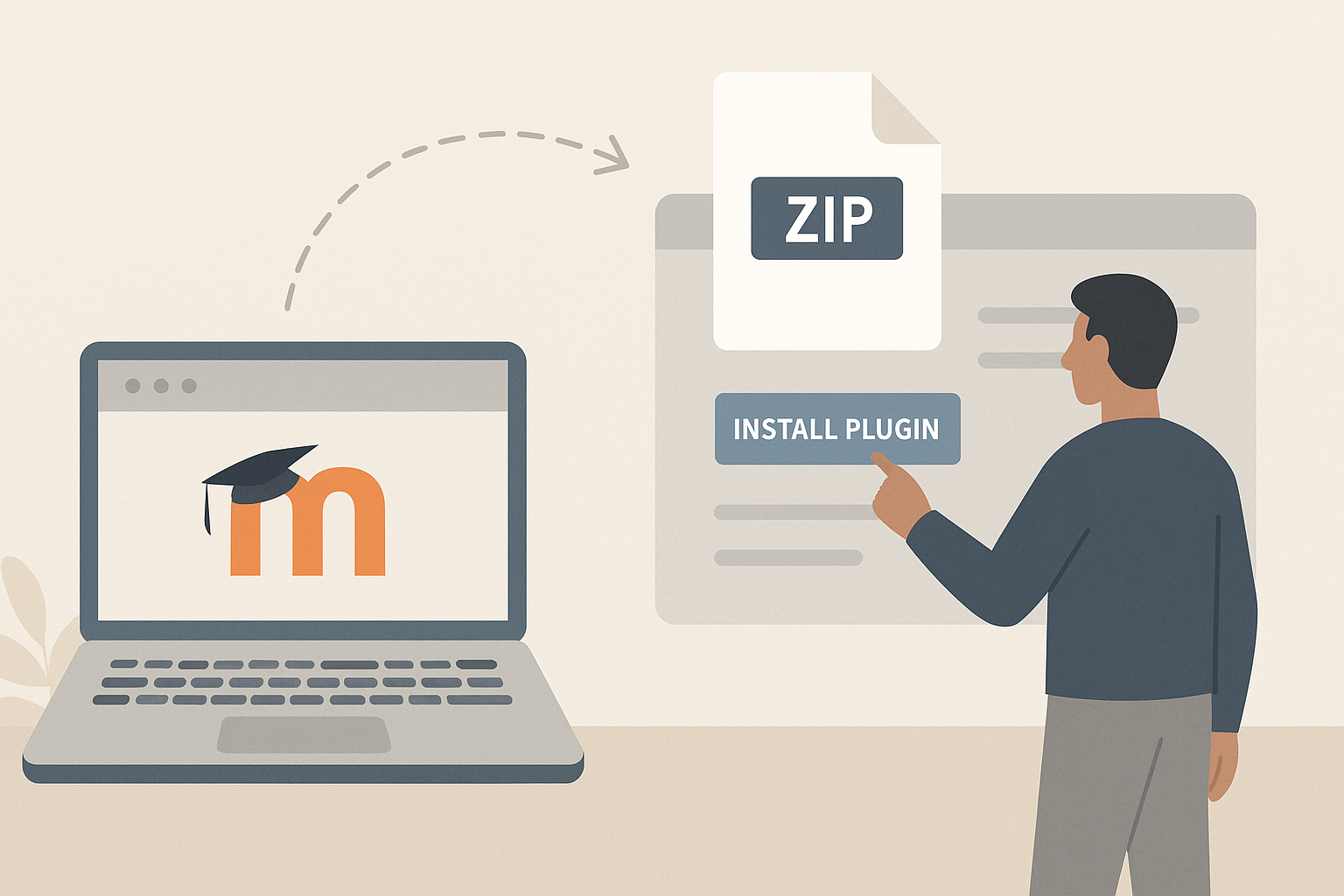
How to Install a Plugin in Moodle
Learn to install a plugin in Moodle 4.5 using a ZIP file or the Moodle Plugins directory, including steps for database upgrades and enabling the plugin. This guide is for site administrators looking to enhance Moodle's functionality.
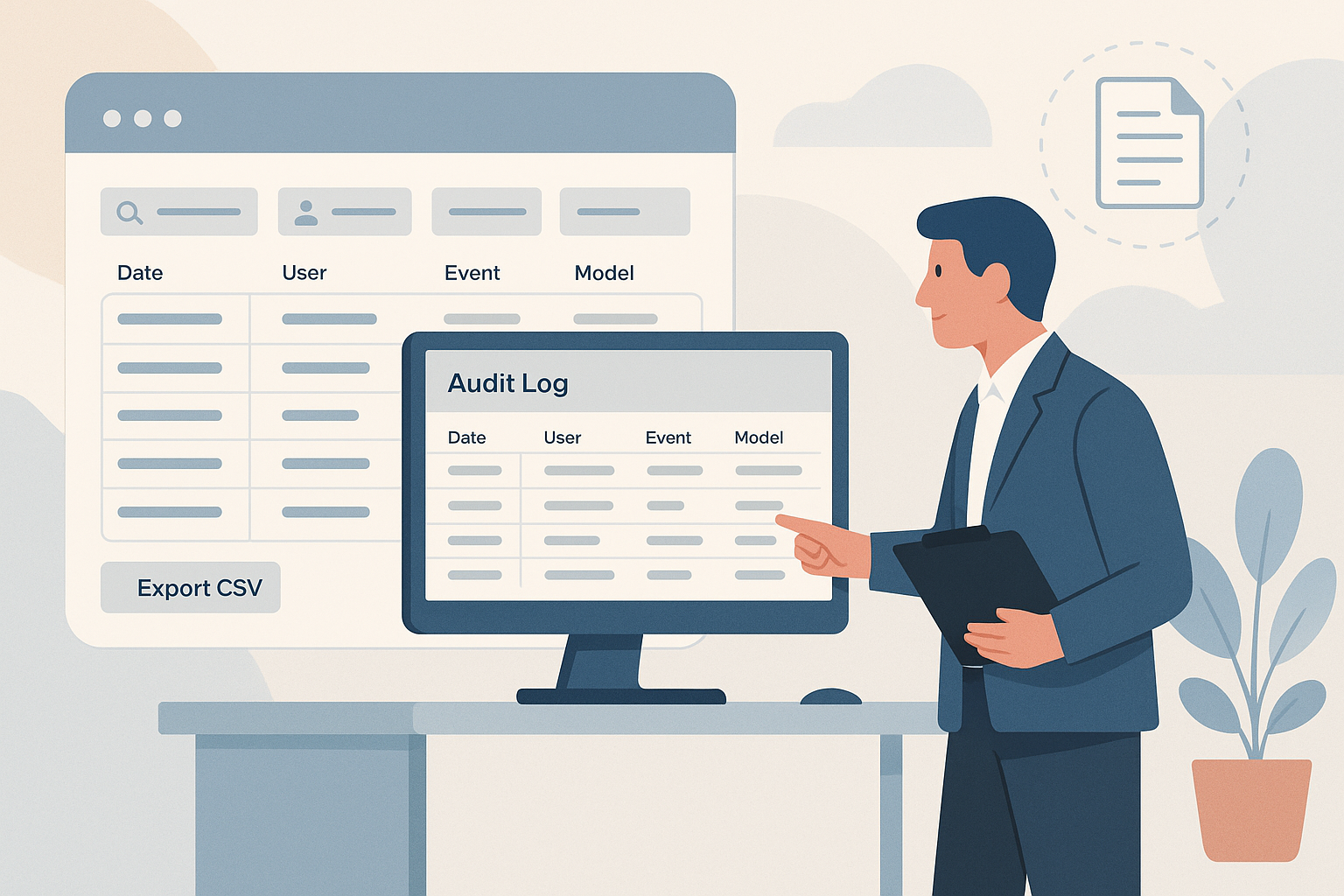
The Audit Log in the eLLM Admin Console
The audit log is a complete, searchable record of activity in eLLM. Administrators use it to investigate specific events, answer compliance questions, and export records. This article explains what is recorded and how to use the log.
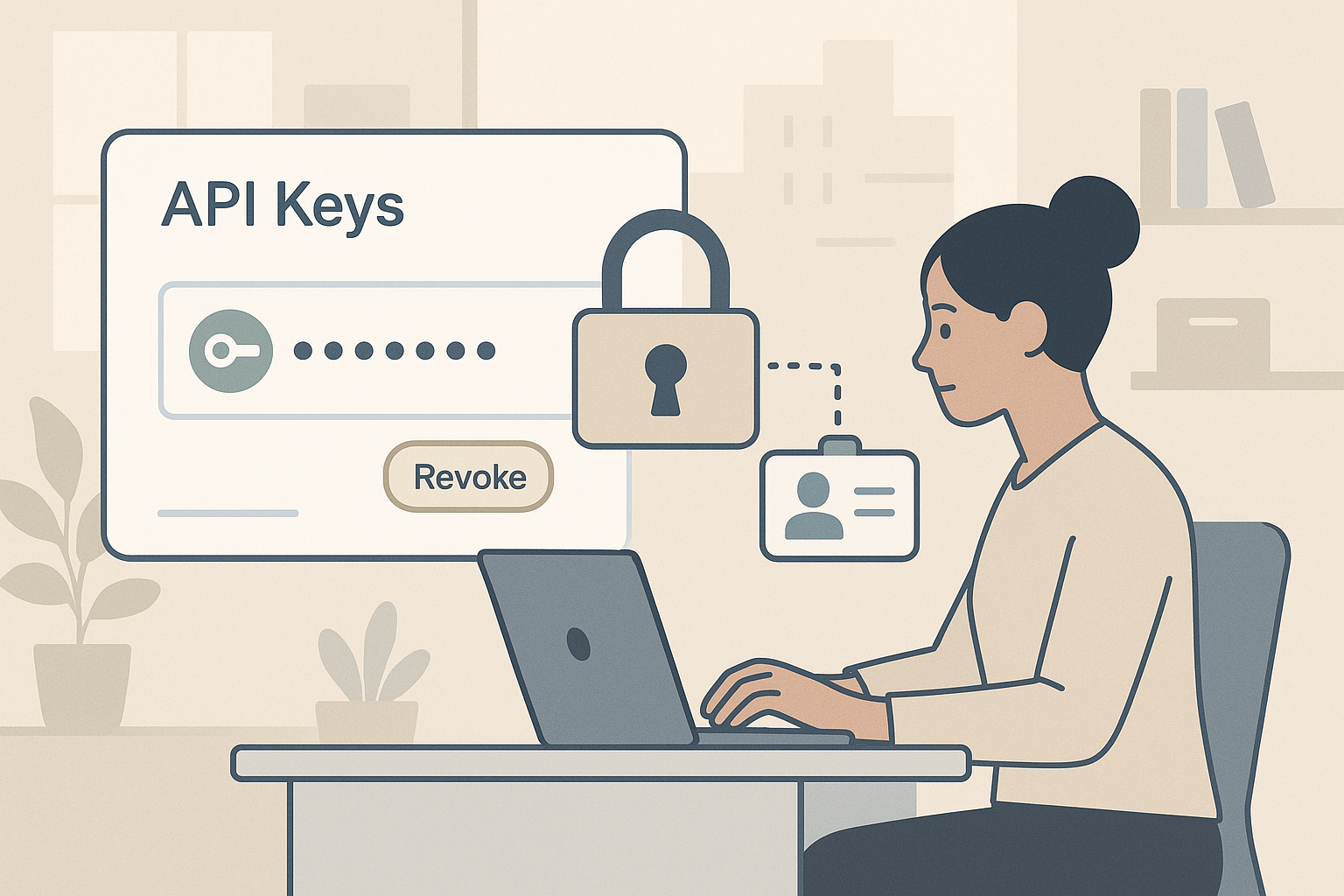
API Keys in the eLLM Admin Console
API keys let external software (such as automation tools and bots) use eLLM safely. The API keys page is where administrators create and revoke these keys and decide what each one can access. This article explains how they work and how to manage them.

How to Enrol Students in Moodle
Learn how to manually enrol students in Moodle courses, a quick method for adding a few students or enrolling someone mid-course. Ensure you have the necessary permissions and follow the step-by-step guide to complete the process efficiently.

SEB Server: Troubleshooting and FAQ
This is a reference for the most common issues you may meet while setting up or running an exam in SEB Server, with short, practical answers.

SEB Server: Reviewing and Archiving After an Exam
When an exam has finished, your work in SEB Server is not quite done. You can still review what happened, search the logs sent by connected Safe Exam Browsers, and decide whether to archive the exam so it stays available for the future. Exam Administrators and Exam Supporters who were on duty during the exam normally handle this tidy-up.

SEB Server: Monitoring a Live Exam
When an exam is running, SEB Server gives Exam Supporters a live view of every connected Safe Exam Browser, the indicators measured for each one, and the actions you can take if something looks wrong. The monitoring view is the place where Exam Supporters and Exam Administrators on duty during a live exam spend their time.