
Knowledge base
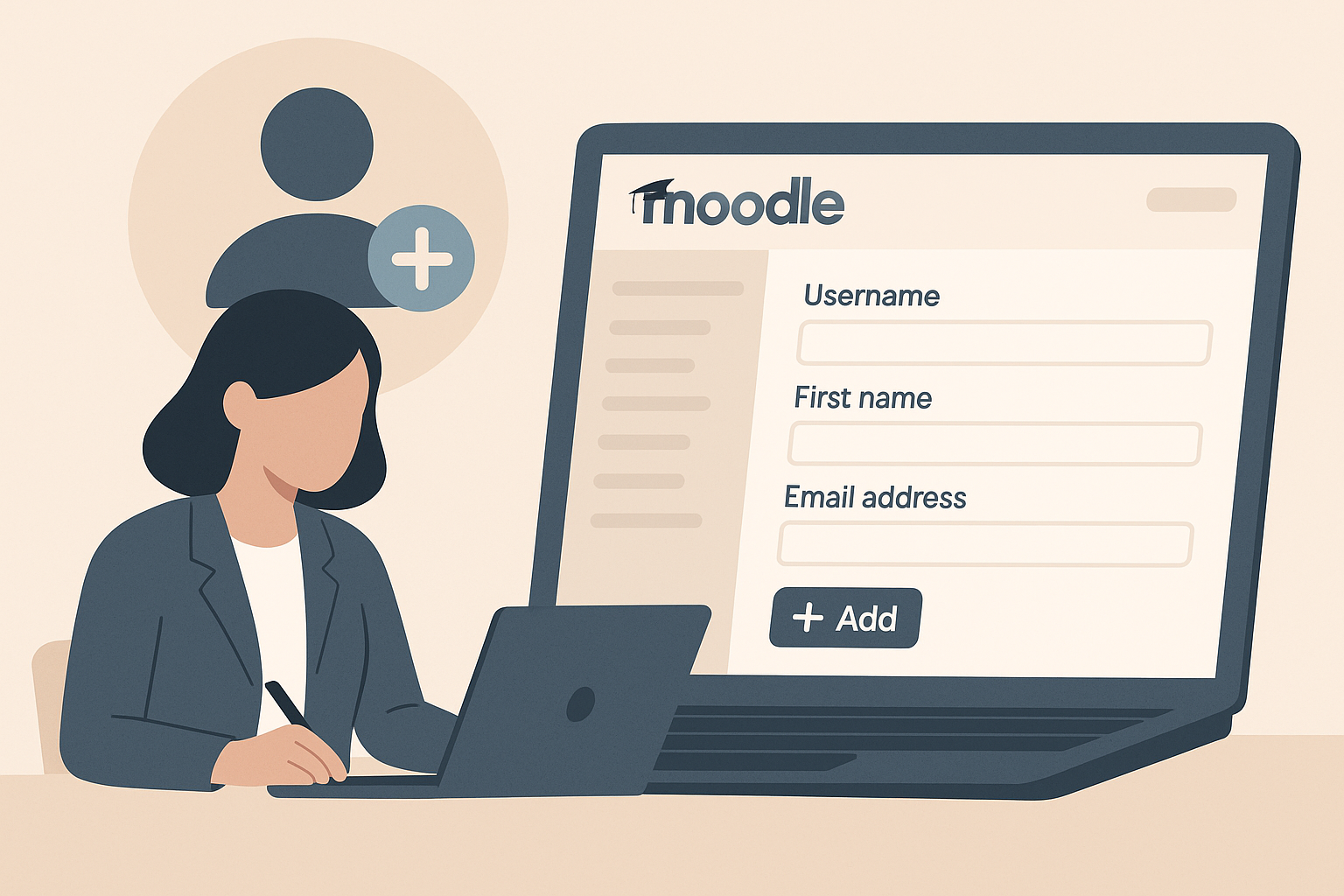
How to Create a User in Moodle
Learn how to manually create a user account in Moodle 4.5, ideal for onboarding staff or adding external trainers when self-registration is disabled. This step-by-step guide requires site administrator permissions.

How to create a quiz in Moodle
Learn how to create a Moodle quiz with step-by-step instructions, from setting up questions to configuring quiz settings, ensuring an effective assessment tool for educators.
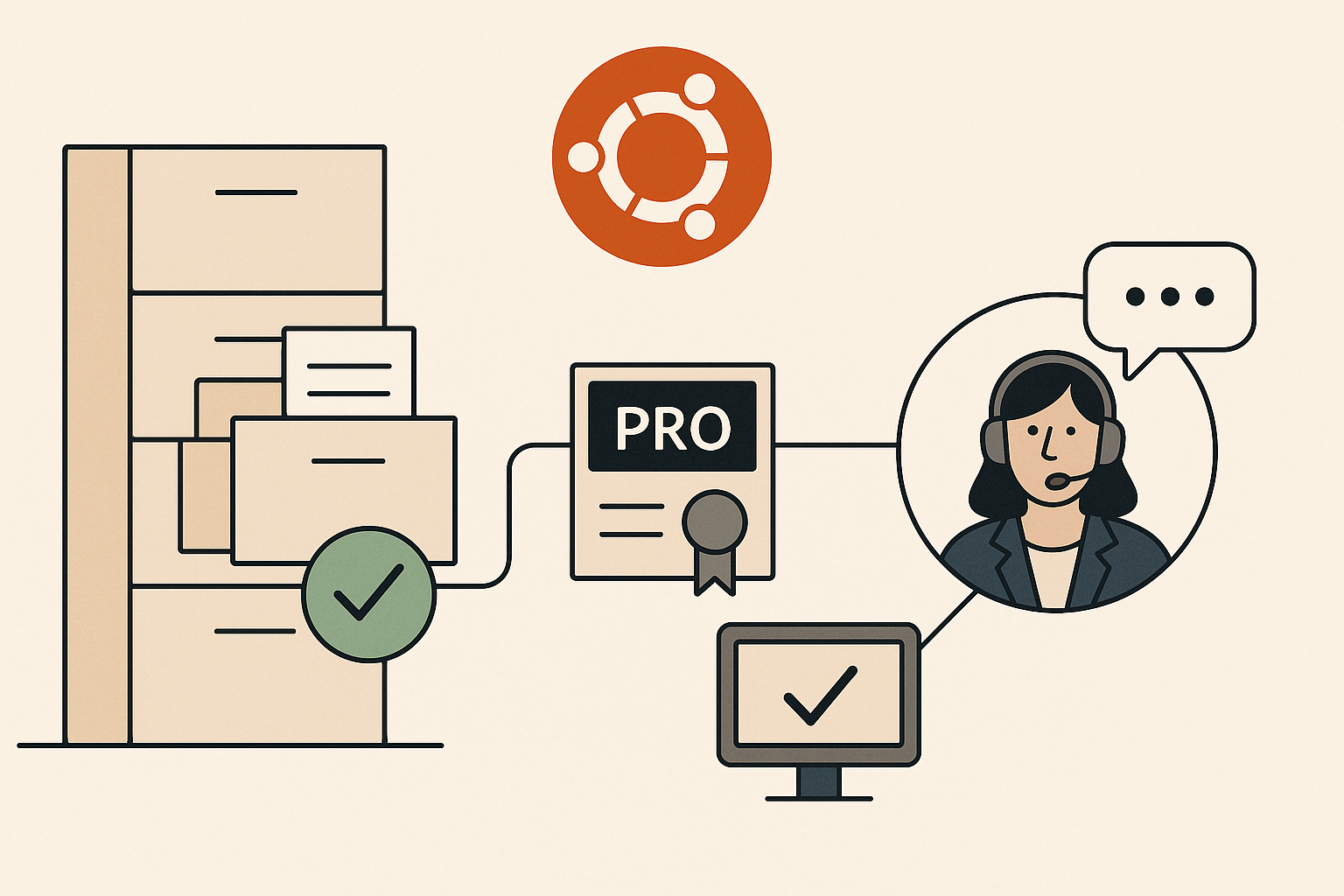
Ubuntu Subscription Types
The article explains the different Ubuntu subscription types, focusing on Ubuntu Pro, which offers extended security updates and additional tools. It highlights the benefits for various environments and notes that a free tier is available for personal and small business use.

Accessibility Toolbar
The Accessibility Toolbar allows users to customise their learning platform's appearance and functionality, offering features like font adjustments, colour overlays, and text-to-speech. Settings are saved to your account for a personalised experience.

Moodle MCP (Model Context Protocol)
Moodle MCP is a plugin that connects your Moodle site to EssingtonITS AI assistant or generic AI MCP aware models. Once connected, you can ask the AI questions about your site in plain language and the AI will look up the answers directly from Moodle in real time. You can also ask it to carry out administrative tasks such as enrolling users, creating courses, or awarding badges, all from a single conversation.

Report Viewer
Report Viewer is a Moodle tool offering pre-built reports on learner activity, course completions, and more, with features like scheduled email delivery and secure view links. It's designed to simplify data access without custom queries.

Linux "top" command
The "top" command is essential for Linux system administrators, offering real-time monitoring and management of processes and resource usage. It features an interactive interface that provides detailed insights into system performance and allows process termination.

Explaining Persistent-ID
The article explains how Persistent-ID in Shibboleth authentication helps maintain user continuity across sessions. It highlights challenges when switching authentication systems and suggests a hybrid solution to retain Persistent-ID.
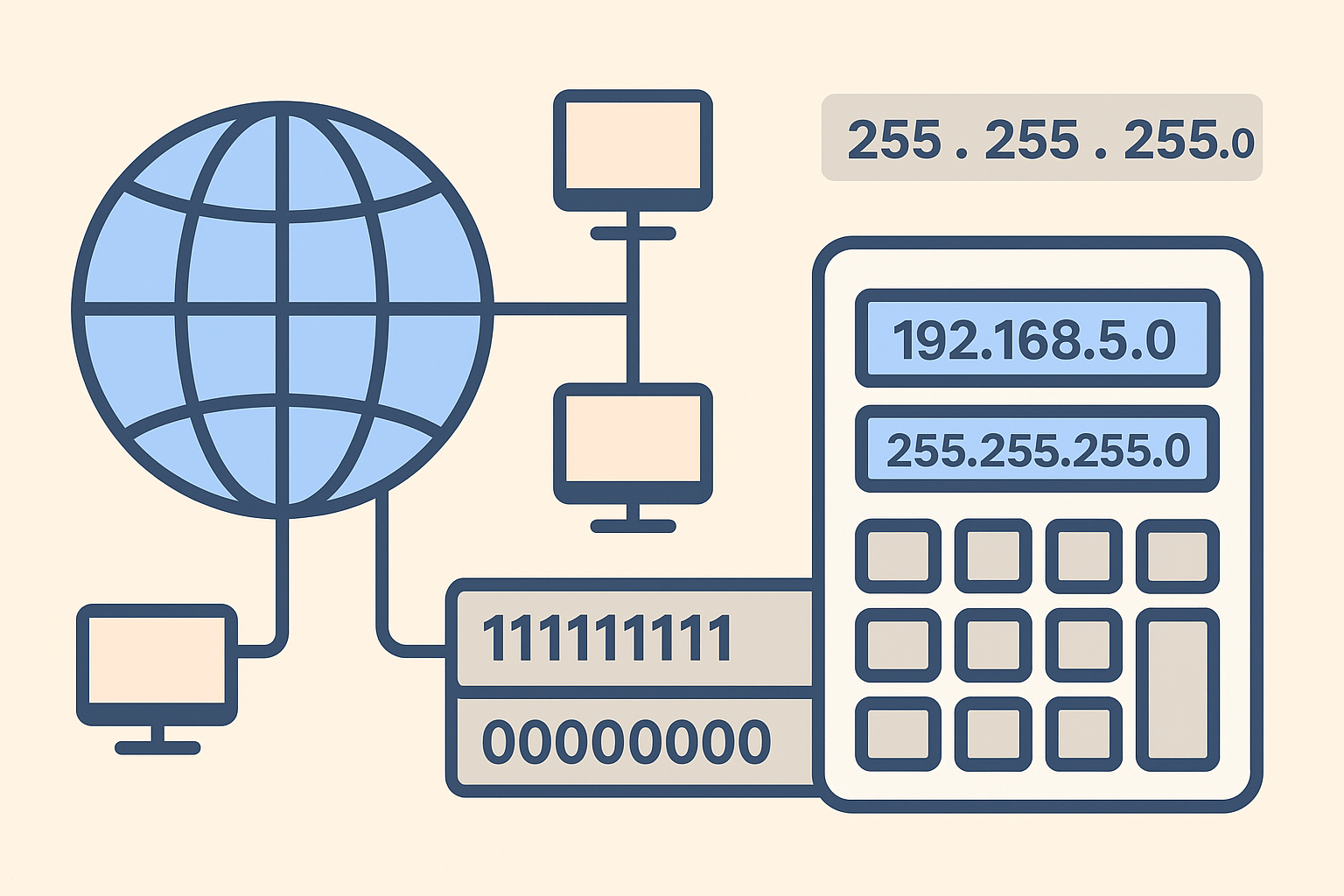
TCP/IP and Subnets
Calculating the Subnet Mask Example: We require 8 subnets and we have decided to use a Class B network address of 175.10.0.0. Using a standard Class B subnet, this would give us 1 subnet and 65,000 hosts addresses. Increasing the subnet to 255.255.192.0 will give 4 subnet and 16,000 hosts. If we want to use 8 subnets, a mask of 255.255.224.0 would be sufficient. This would give us 8,000 hosts on each subnet. Determining the valid Network Address

MCBA - Moodle Course Backup & Archive
MCBA (Moodle Course Backup & Archive) automates the process of backing up Moodle courses to a long-term archive location typically a network-attached storage (NAS) drive outside of Moodle's own file area.

eLMS AI Assistant
The eLMS AI Assistant is a chat tool built into your Moodle learning platform. It appears as a panel on course pages, the site home, or the admin dashboard, and lets you have a conversation with an AI that understands the context of what you are doing. You can ask questions, get explanations, request help with course content, and have a back-and-forth discussion all without leaving the page you are on.
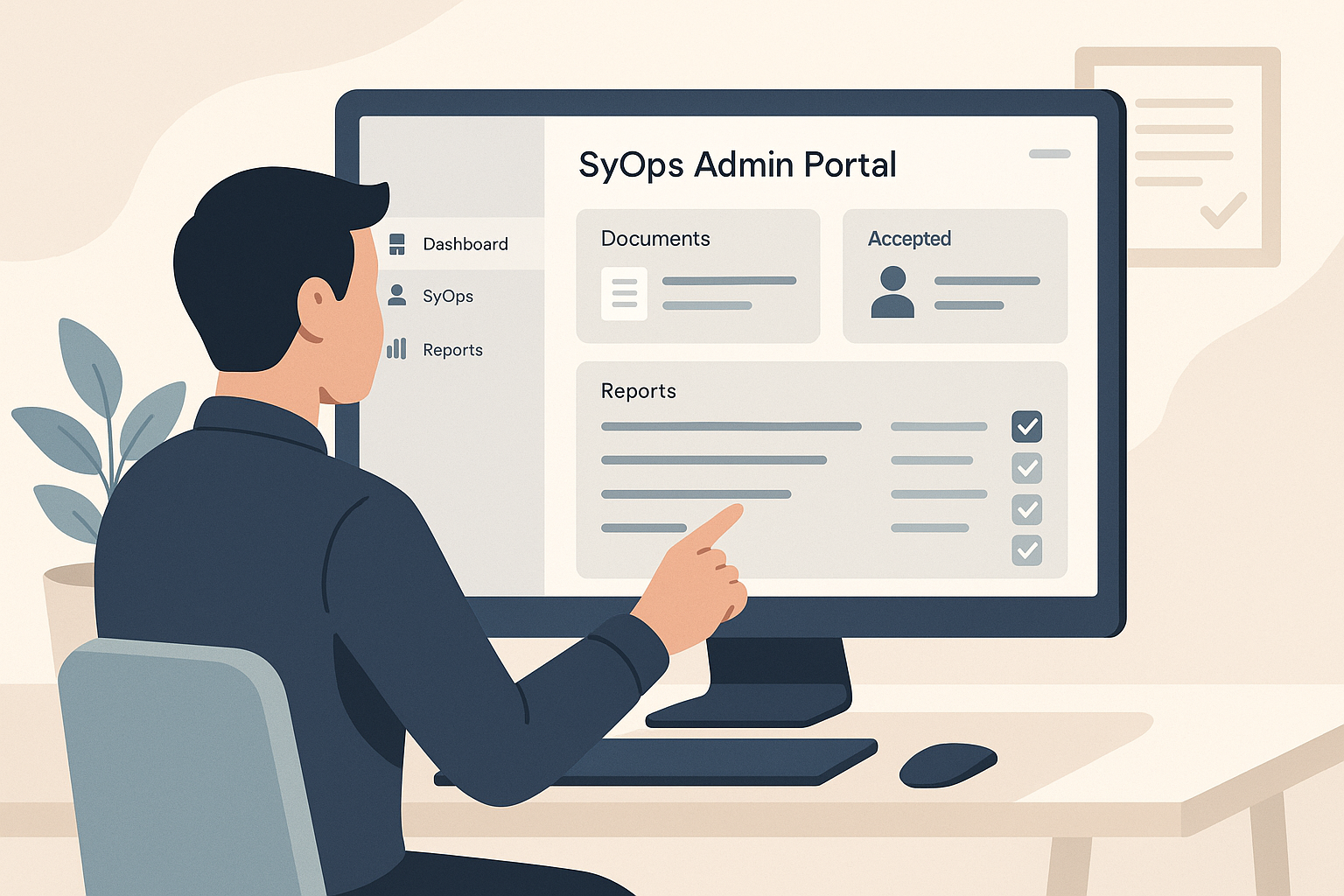
SyOps Admin Portal
The SyOps Admin Portal is a web application for managing Security Operating Procedures. Security Operating Procedures, or SyOps, are the acceptable-use agreements that users accept before using the EssingtonITS DEAN Windows client. This portal is where administrators write those documents, publish them, track who has accepted them, and run reports.